
2 perspectives. One decision.
NETGEAR MS308 vs TP-Link TL-SG105-M2
Eight ports or five: compare two fanless 2.5 Gb Ethernet switches, including usable port count, cable requirements and what they cannot upgrade.
Researched · Specification comparison
The short answer
Choose MS308 when you need more wired connections or room to grow. TL-SG105-M2 makes sense for a smaller cluster of devices. Both offer 2.5 Gb Ethernet without configuration, but neither supplies PoE, adds Wi-Fi or makes a slow internet plan faster.
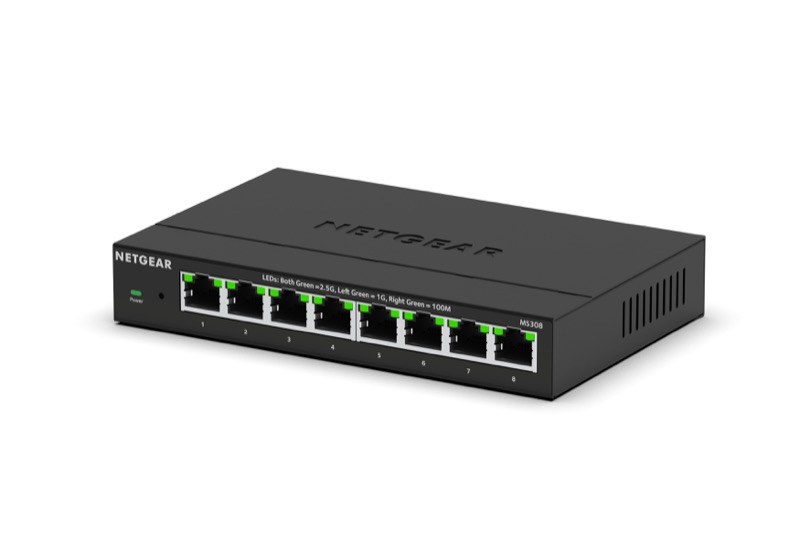
For more wired devices
NETGEAR MS308
Eight-port 2.5 Gb unmanaged switch with metal enclosure and external power supply.
Check it out: NETGEAR MS308 on Amazon.de (opens a new tab)Image: NETGEAR
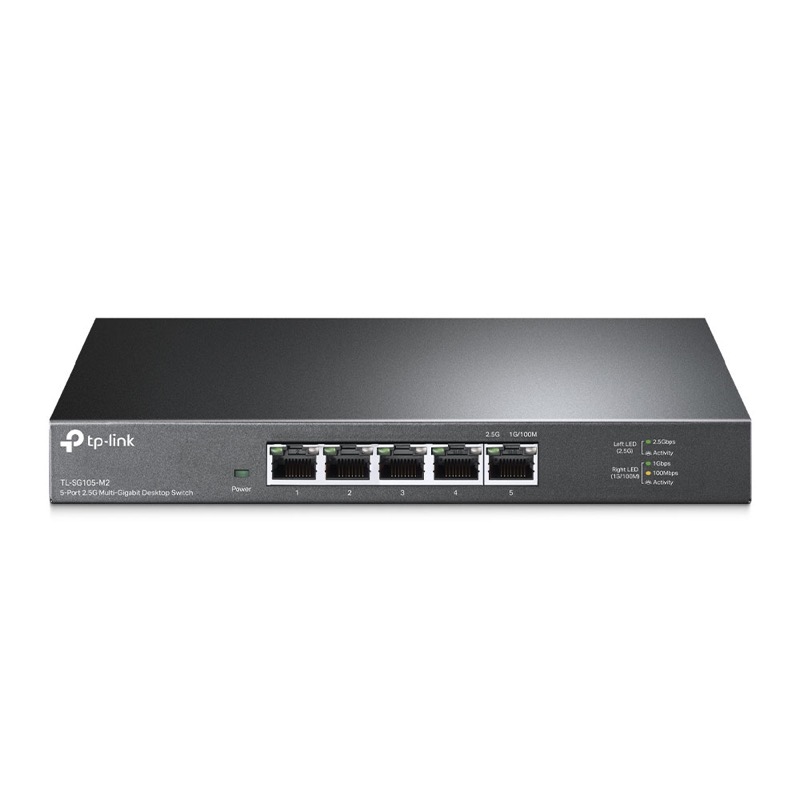
For a smaller desk network
TP-Link TL-SG105-M2
Five-port 2.5 Gb unmanaged switch. Manufacturer V1 enclosure shown; supplied hardware revision may vary.
Check it out: TP-Link TL-SG105-M2 on Amazon.de (opens a new tab)Image: TP-Link
Affiliate links may earn us a commission. Compare the exact variant and current price before buying. Specifications are manufacturer claims, not our own test results.
A switch gives wired devices a meeting point
An Ethernet switch adds connections to a local network. Attach it to your router and connect the nearby computers, access point or other wired equipment. These two models are unmanaged, so there is no switch administration screen to configure before ordinary use. That makes them approachable additions to a desk, media cabinet or small office.
They do not replace the router’s internet connection, firewall or wireless access point. If your problem is weak Wi-Fi in a bedroom, buying a switch alone will not solve it. It may support a wired connection to an access point, but the access point and its placement remain separate decisions. Identify which part of the network is actually limiting you.
Count the router connection as a port
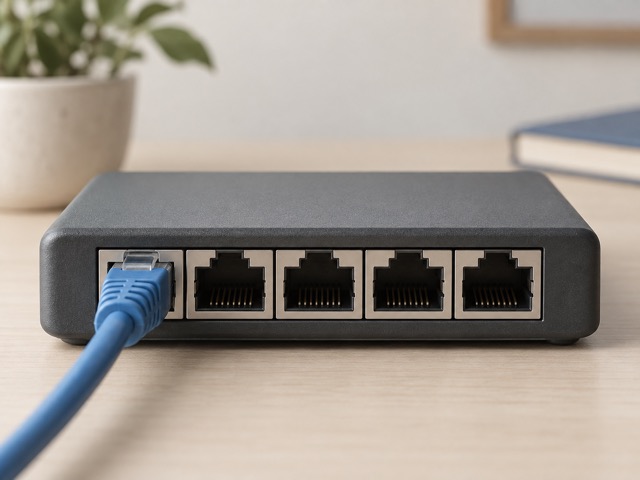
MS308 has eight Ethernet ports and TL-SG105-M2 has five. When one port connects to the router, that leaves seven or four for other devices. A computer, access point, printer and another wired device can therefore fill the smaller switch immediately. Leave space for the equipment you expect to add during the next year.
An eight-port switch is not automatically a faster choice for a single computer. Both offer the same maximum rate on each connection. The extra ports buy capacity for more devices and can avoid a second box later. If you only need two or three local devices and the router connection, the smaller model may already cover the whole job.
Every part of the path affects speed
A 2.5 Gbps port can negotiate a lower speed when the connected device requires it. A computer with ordinary Gigabit Ethernet will therefore remain limited by that interface. A faster switch is most useful when the devices exchanging substantial data also have faster network interfaces, and the cabling can sustain the negotiated connection.
Traffic between two suitable devices on the same switch can benefit even if the router’s connection is slower. Traffic crossing that router link is limited by the link and the router itself. Internet downloads also depend on your subscription and the remote service. The 2.5 Gb label describes an Ethernet link rate, not a promised download rate in every application.
Read aggregate bandwidth carefully
NETGEAR lists 40 Gbps switching capacity for MS308, while TP-Link lists 25 Gbps for TL-SG105-M2. These figures total the ports’ simultaneous transmit and receive capacity. They are not a single 40 or 25 Gbps connection you can use for one computer, and neither switch has a dedicated 10 Gb uplink.
The checked Amazon description for the five-port TP-Link repeats a 40 Gbps claim that belongs with an eight-port calculation. We use the manufacturer’s 25 Gbps specification here. More generally, judge a switch by the links and workloads you need rather than the largest combined figure on a listing. Real file transfers also include protocol and application overhead.
Use existing cable where it works reliably
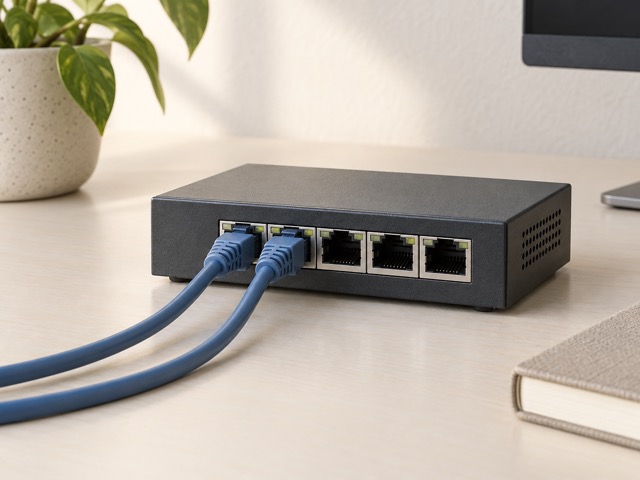
Both manufacturers describe 2.5 Gb operation over suitable existing Cat5e cabling. You do not automatically need to replace every cable with a more expensive category. Cable condition, termination quality and installation length still matter. Check the negotiated connection and investigate a damaged lead before assuming a new switch has failed to deliver its rated speed.
Keep cable runs organized enough that a plug can be checked without pulling the whole desk apart. Leave ventilation space around the metal case and its external power supply. Fanless design removes a cooling fan from the switch, which is welcome in a quiet room, but it does not mean the electronics produce no heat.
Unmanaged also means some features are absent
Neither model supplies Power over Ethernet. A compatible camera or access point that expects PoE needs an appropriate separate injector or a different switch with a sufficient PoE budget. Ethernet data and Ethernet power are separate capabilities. The mains adapter powering the switch does not turn its ordinary network ports into power outputs.
These models also are not a substitute for a managed switch when you need configurable VLANs, link aggregation or detailed per-port administration. Some automatic traffic handling may exist without giving you those controls. Check a revision-specific manual for any advanced feature instead of assuming an unmanaged model has the same settings as a more expensive product from the same brand.
Choose for the network you can actually build
MS308 is the practical choice when the connected-device count already pushes past four, or when several additions are likely. TL-SG105-M2 fits a smaller installation where five total ports are enough. The checked listing does not establish one guaranteed TP-Link hardware revision, so verify the supplied revision if a particular enclosure or secondary feature matters.
Compare the current delivered price alongside any network adapters, access points and cabling you still need. A switch upgrade is good value when it removes a known bottleneck or avoids repeated cable swapping. If every device is still limited to Gigabit and your transfers are already satisfactory, the larger speed number alone is not a compelling reason to replace working equipment.
Side by side
The differences that matter.
On smaller screens, swipe across the table to compare all products.
| At a glance | NETGEAR MS308 | TP-Link TL-SG105-M2 |
|---|---|---|
| Ethernet ports | 8 | 5 |
| Maximum speed per port | 2.5 Gbps | 2.5 Gbps |
| Lower negotiated speeds | 1 Gbps and 100 Mbps | 1 Gbps and 100 Mbps |
| Configuration | Unmanaged; plug and play | Unmanaged; plug and play |
| Cooling | Fanless | Fanless |
| Enclosure | Metal; desktop or wall mounting | Metal; desktop or wall mounting |
| Ports after one router connection | 7 available | 4 available |
| PoE output | No | No |
| Wi-Fi access point | No | No |
| 10 Gb uplink | No | No |
| Aggregate switching capacity | 40 Gbps | 25 Gbps |
| Power source | External mains adapter | External mains adapter |
A little more context
How to place home Wi-Fi equipment
Use distance, walls, wired backhaul and device locations to plan coverage.