
2 perspectives. One decision.
Dell U2725QE vs ARZOPA Z1FC: desk screen or portable display?
A 27-inch 4K Thunderbolt hub monitor and a 16.1-inch portable screen serve different workspaces. Compare connection needs, placement and everyday compromises.
Researched · Specification comparison
The short answer
Choose Dell U2725QE for a permanent desk with a larger 4K screen, adjustable stand and substantial laptop docking features. Choose ARZOPA Z1FC when a lightweight second display needs to travel with you. Its 144 Hz headline does not make it an equivalent replacement for the Dell.
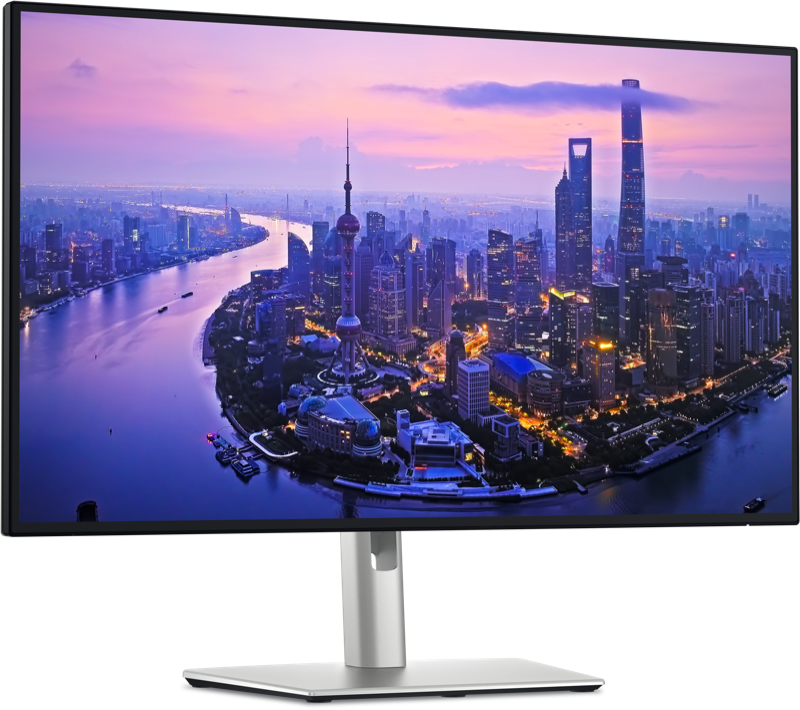
For a permanent workstation
Dell UltraSharp U2725QE
27-inch 4K 120 Hz desktop monitor with Thunderbolt 4 hub.
Check it out: Dell UltraSharp U2725QE on Amazon.de (opens a new tab)Image: Dell
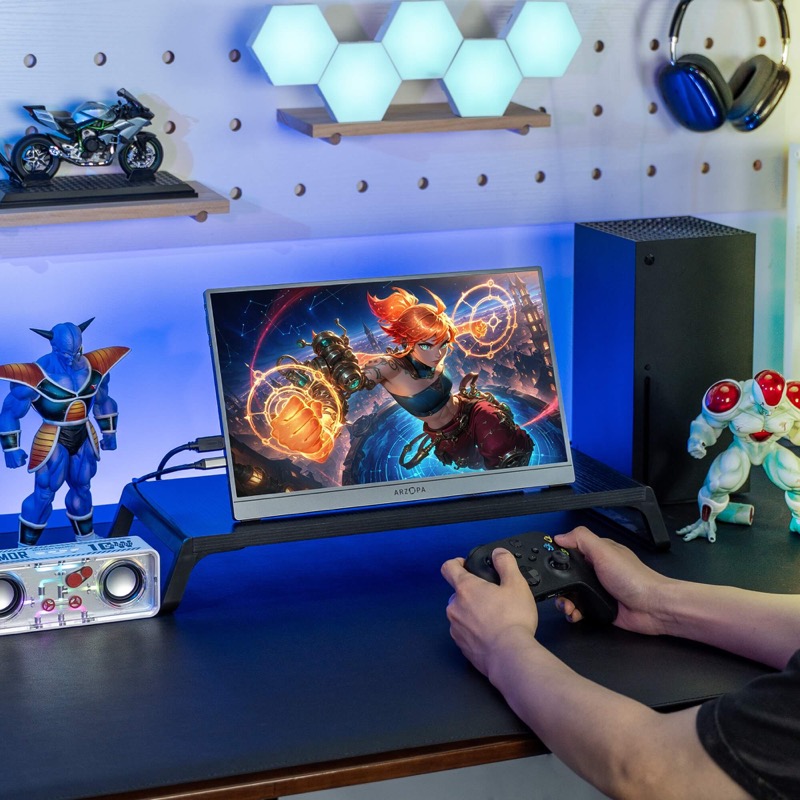
For a second screen on the move
ARZOPA Z1FC · Grey
16.1-inch Full HD 144 Hz portable monitor. Console and desk props are not included.
Check it out: ARZOPA Z1FC on Amazon.de (opens a new tab)Image: ARZOPA
Affiliate links may earn us a commission. Compare the exact variant and current price before buying. Specifications are manufacturer claims, not our own test results.
Two different answers to needing more screen
A comparison is most useful when it explains the job each product does. The Dell is designed to stay on a desk and become the center of a workstation. The ARZOPA can sit beside a laptop and pack away afterward. They are not close substitutes in size, resolution, stand adjustment or connectivity, even though both can extend your desktop.
Start by deciding where you work most often. If you spend the day at one desk, a larger screen at a suitable height may be the more useful investment. If you move between rooms or locations, a portable screen can provide a separate place for reference material without committing to a permanent monitor setup.
Resolution is more than a bigger specification
Dell’s 3840 × 2160 panel contains four times as many pixels as the ARZOPA’s 1920 × 1080 panel. That supports finer detail, but it does not mean every application displays four times as much usable information. Operating-system scaling, your viewing distance and the size of text you can read comfortably determine how much workspace you actually gain.
The 27-inch surface is useful for documents beside a spreadsheet, a timeline under a preview or a larger view of an image. ARZOPA’s smaller Full HD panel is better understood as an extra window beside your laptop. Compare text at a comfortable size rather than shrinking everything merely to claim more space.
120 Hz and 144 Hz do not decide image quality
Both screens offer refresh rates above the familiar 60 Hz baseline. Higher refresh can make pointer movement and scrolling look smoother when the computer and connection supply the selected mode. ARZOPA’s 144 Hz figure is higher than Dell’s 120 Hz figure, but that does not settle sharpness, contrast, color behavior or motion clarity.
Dell specifies an Enhanced IPS Black panel and a 3000:1 typical contrast ratio for U2725QE. Some merchant text retains a different figure, so the current model-specific manufacturer specification takes precedence. ARZOPA’s own page contains inconsistent brightness claims. We avoid ranking brightness from those conflicting numbers and do not present either display as independently color-tested here.
A hub monitor changes the cable arrangement
Dell’s Thunderbolt connection can carry the display signal, data and up to 140 W of charging to a compatible laptop. Its USB hub and 2.5 Gb Ethernet can keep peripherals at the desk. The KVM feature is useful when you want supported switching between two connected computers, but each host still needs the appropriate video and USB connection.
The headline charging output requires a laptop and cable that support the necessary power mode. It does not force 140 W into a smaller computer or guarantee every workstation can run at full load. Dell also provides DisplayPort and HDMI inputs. Plan which host uses which connection before deciding whether this monitor removes the need for a separate dock.
Portable does not always mean one cable
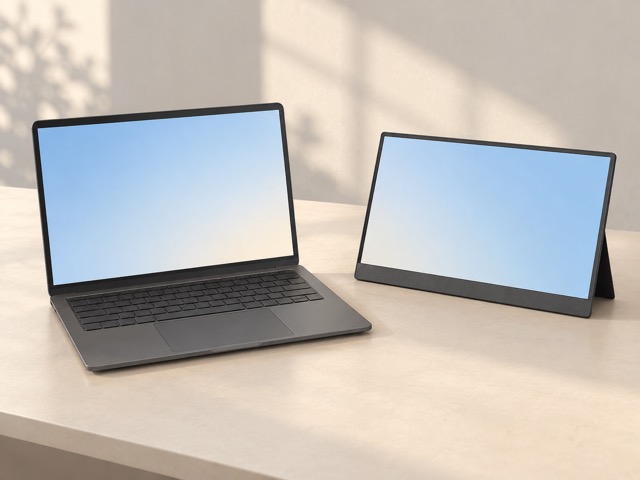
A compatible USB-C port can supply both video and power to the Z1FC. A port that only handles charging or ordinary USB data cannot provide the required display signal. Check the laptop’s specification for video output support and use a suitable cable. Identical-looking connectors are not enough to establish that a one-cable setup will work.
With mini HDMI, the monitor also needs a separate USB power connection because HDMI does not power the screen. Include both cables and any required power adapter when judging the travel kit. The manufacturer’s 780 g figure describes the monitor, not everything in your bag. Its folding stand is convenient, but still needs a stable surface with enough depth.
Think about height, sound and shared space
Dell’s stand provides height, tilt, swivel and pivot adjustment. That flexibility is valuable when the monitor is your main screen for long sessions or when you want portrait orientation for documents. ARZOPA’s stand adjusts its viewing angle but is not a height-adjustable desktop stand. Place a portable companion where you can read it without continually leaning or turning awkwardly.
The Z1FC includes small built-in speakers; Dell does not include speakers. Consider headphones or your existing audio setup instead of assuming a monitor replaces it. ARZOPA’s manufacturer photo shows a console and other desk equipment to illustrate use. Those props are not part of the selected monitor package, and the image does not establish gaming performance.
Buy for the workspace you actually use
Choose U2725QE when a permanent main display, fine text, stand adjustment and consolidated connections justify the complete desk investment. Check that your computer can output the resolution and refresh rate you intend to use. If you already have a dock, compare the monitor’s hub capabilities with it so you understand which features you would be duplicating.
Choose Z1FC when an extra portable screen is the missing part of your setup. It can hold a document, chat window or reference page while the laptop stays focused on the main task. Keep expectations grounded in its size and power requirements. We have not measured color accuracy, response times or brightness, so this recommendation follows documented features and intended use.
Side by side
The differences that matter.
On smaller screens, swipe across the table to compare all products.
| At a glance | Dell UltraSharp U2725QE | ARZOPA Z1FC · Grey |
|---|---|---|
| Intended role | Main desktop screen and connection hub | Portable secondary screen |
| Panel size | 27 inches | 16.1 inches |
| Native resolution | 3840 × 2160 | 1920 × 1080 |
| Maximum advertised refresh | 120 Hz | 144 Hz |
| Panel family | Enhanced IPS Black | IPS |
| Video connections | Thunderbolt 4, DisplayPort 1.4, HDMI 2.1 | Two USB-C ports; mini HDMI |
| Laptop charging | Up to 140 W through supported Thunderbolt host connection | Requires power; not an equivalent laptop-charging hub |
| Desk connectivity | USB hub, KVM and 2.5 Gb Ethernet | Display and power connections |
| Position adjustment | Height, tilt, swivel and pivot stand | Integrated folding stand |
| Built-in speakers | No | Two 1 W speakers |
| Portable dimensions | Desktop monitor with substantial stand | Manufacturer lists 780 g and 9.3 mm thickness |
| Selected version | U2725QE, 27-inch 4K | Z1FC Grey, 16.1-inch 144 Hz |
A little more context
How to improve a home technology workspace
Fix positioning, connections and daily friction before adding more devices.