
3 perspectives. One decision.
Anker 737 vs Anker Prime 200W vs UGREEN Nexode 130W
Compare laptop charging power, shared-port limits, capacity and recharging across three exact power-bank models.
Researched · Specification comparison
The short answer
Choose Anker 737 for its larger 24,000 mAh capacity and up to 140 W to one compatible device. Choose Anker Prime 20K 200W for two USB-C devices drawing up to 100 W each. UGREEN Nexode 20K 130W suits a laptop-and-phone pairing with a 100 W plus 30 W allocation.
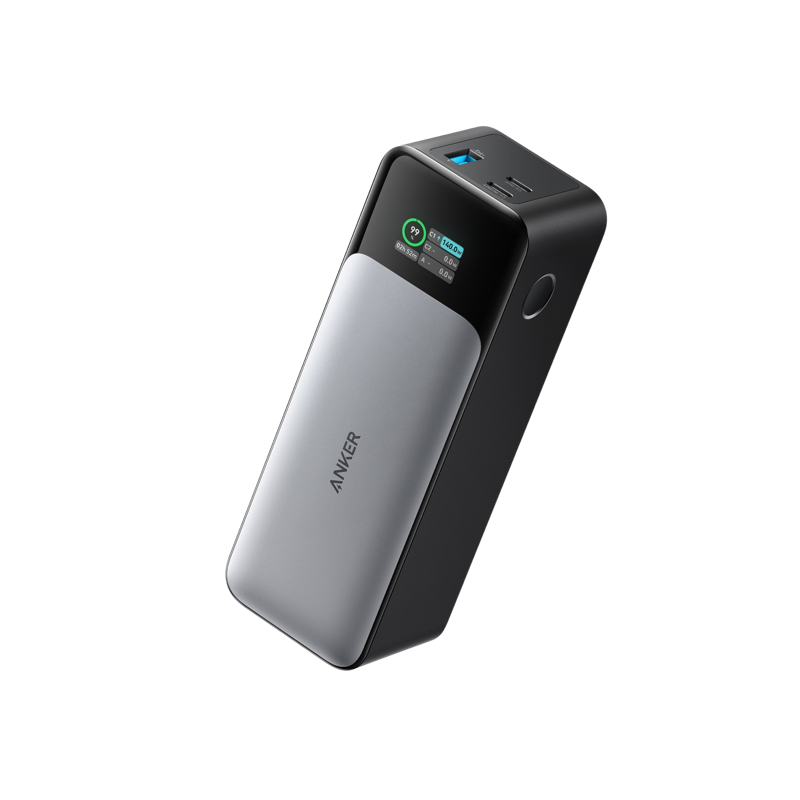
For higher single-device power
Anker 737 · 24K 140W
A1289, black, 24,000 mAh. Two USB-C ports and one USB-A.
Check it out: Anker 737 Power Bank on Amazon.de (opens a new tab)Image: Anker
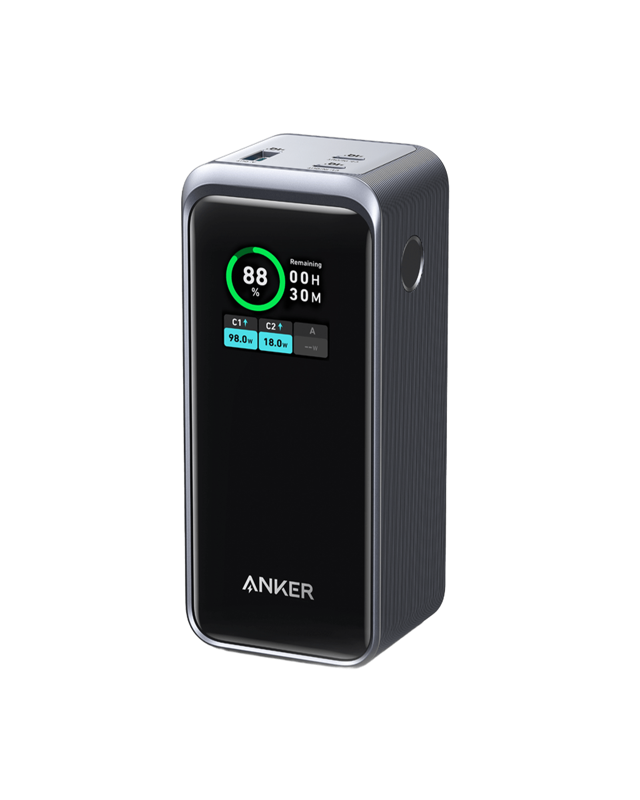
For two USB-C laptops
Anker Prime · 20K 200W
A1336, black, 20,000 mAh. The 200 W model; charging base sold separately.
Check it out: Anker Prime Power Bank 20K 200W on Amazon.de (opens a new tab)Image: Anker
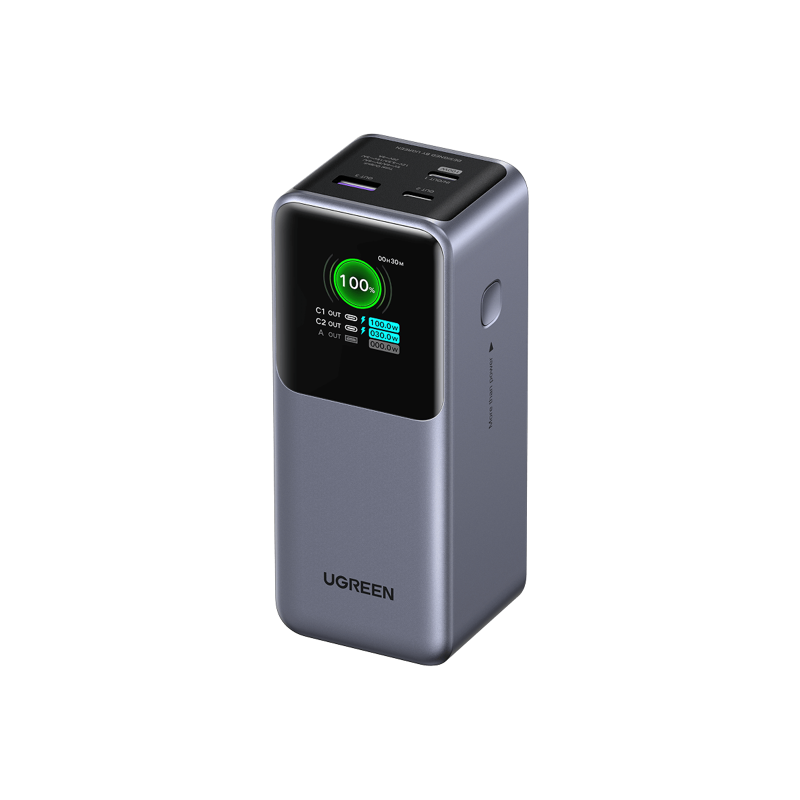
For laptop and phone charging
UGREEN Nexode · 20K 130W
Grey 20,000 mAh 130 W model with a digital display.
Check it out: UGREEN Nexode Power Bank 20K 130W on Amazon.de (opens a new tab)Image: UGREEN
Affiliate links may earn us a commission. Compare the exact variant and current price before buying. Specifications are manufacturer claims, not our own test results.
Match the bank to the laptop’s charging input
A laptop power bank needs to deliver a charging mode your computer accepts. Begin with the laptop’s documented USB-C Power Delivery input, then check the output of the bank’s individual port. A high total wattage on the box does not mean that amount can reach one laptop. Some computers also require their own power adapter for full performance under demanding workloads.
All three selected models have two USB-C ports, one USB-A port and a display. Their different power allocations matter more than that shared arrangement. The Anker 737 is the 24,000 mAh A1289. The Prime is the 20,000 mAh A1336 rated at 200 W total. The UGREEN is the 20,000 mAh 130 W model without an integrated retractable cable.
140 W to one device or 200 W shared?
The 737 supports up to 140 W to a compatible device through USB-C Power Delivery 3.1. The Prime 200W instead supports up to 100 W from each USB-C port, with a 100 W plus 100 W two-port mode. For one laptop that can use 140 W, the smaller headline total on the 737 can therefore be the more relevant specification.
UGREEN splits its two USB-C outputs into up to 100 W and 30 W. That is a practical arrangement for a suitable laptop and phone, but the lower-power port is not a second 100 W laptop output. Read the port labels when connecting your equipment. Plugging a computer into the wrong USB-C socket can change its available charging power substantially.
Capacity tells you a different part of the story
Milliamp-hours describe stored charge at the battery cells’ nominal voltage, not the amount delivered at a laptop’s USB-C charging voltage. The 737 has a larger advertised cell capacity than the two 20,000 mAh models. That provides useful context for energy reserves, but it does not establish how many complete laptop charges you will get in practice.
Conversion losses, temperature, the laptop’s battery size and the work it performs while connected all affect the result. A computer running an export can use much of the incoming power immediately. We do not convert the headline capacity into an exact number of charges or a promised working day. Compare runtime claims only when the test conditions are genuinely comparable.
Adding a device can change the allocation
Multi-port banks manage a shared power budget. Connecting a third device can redistribute that budget, so the highest individual port ratings should not simply be added together. The Prime’s 200 W two-USB-C mode and UGREEN’s 100 W plus 30 W mode describe particular arrangements. They are not promises that every socket maintains its maximum when all ports are occupied.
If you need to charge a laptop during a call, prioritize its port and check the bank’s display after connecting the phone. The screen helps you see the power currently flowing, but it is not a laboratory measurement of sustained output or usable battery capacity. Charging naturally slows as a device approaches full charge, and thermal conditions can also reduce power.
Remember how the power bank gets refilled
The 737 accepts up to 140 W input, the Prime up to 100 W over USB-C and the UGREEN up to 65 W. Reaching those limits requires a compatible wall charger and cable. A bank capable of delivering high laptop power can still refill slowly from a small phone charger. Include your existing charger in the buying decision.
Anker’s compatible Prime charging base is an optional accessory for the A1336 and is not included in this selected standalone bank. It should not be confused with wireless charging for your phone. We do not promise a full recharge time from the input rating alone: the charging curve, starting level and temperature determine the actual duration.
The cable belongs in the comparison too
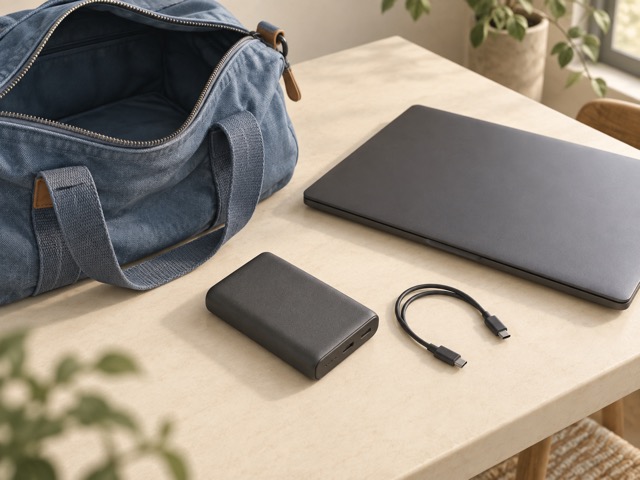
Use a cable rated for the power you need. USB-C charging above 60 W requires an appropriate 5 A cable, and 140 W operation requires compatible Extended Power Range equipment and cabling. A connector that fits does not establish those capabilities. Check the cable supplied with the exact bundle and avoid assuming every cable in your bag is interchangeable.
Carry the bank where its weight and shape are manageable, and allow heat to escape during use. These are substantial laptop-oriented batteries rather than tiny emergency phone chargers. The generic illustration shows a separate cable because cable choice is part of the setup. It is not a photograph of any of the compared products or a promise about included accessories.
Choose around your most frequent charging session
Start with the 737 if you need its larger capacity or have a compatible device that benefits from 140 W input. Start with Prime 200W if two USB-C devices frequently need substantial power at the same time. Start with Nexode 130W if a 100 W laptop connection plus a lower-power phone connection describes your usual day.
Then compare current prices, included cables and the wall charger you would use to refill the bank. Buying the highest number is unnecessary when the laptop cannot accept it. We have not measured efficiency, long-term battery degradation or sustained maximum output. The recommendations follow the documented connections and power modes of these exact models, with runtime left dependent on your equipment.
Side by side
The differences that matter.
On smaller screens, swipe across the table to compare all products.
| At a glance | Anker 737 · 24K 140W | Anker Prime · 20K 200W | UGREEN Nexode · 20K 130W |
|---|---|---|---|
| Exact model | Anker 737 / A1289 | Anker Prime / A1336 | UGREEN Nexode / 35524 |
| Advertised cell capacity | 24,000 mAh | 20,000 mAh | 20,000 mAh |
| Ports | Two USB-C; one USB-A | Two USB-C; one USB-A | Two USB-C; one USB-A |
| Maximum total output | 140 W | 200 W | 130 W |
| Highest single USB-C output | 140 W with compatible PD 3.1 device | 100 W | 100 W on USB-C1 |
| Second USB-C capability | Up to 140 W individually; total remains shared | Up to 100 W; 100 W + 100 W two-port mode | Up to 30 W; 100 W + 30 W two-port mode |
| Maximum wired input | 140 W | 100 W | 65 W |
| On-device information | Charge and power display | Charge and power display | Charge and power display |
| Charging-base option | Not the Prime charging-base model | Optional compatible base, not included | No Prime-style charging base |
| Version to avoid confusing | Not a different Anker Prime model | Not the newer 20,100 mAh 220 W version | Not the 165 W retractable-cable version |
A little more context
How to improve a home technology workspace
Fix positioning, connections and daily friction before adding more devices.