
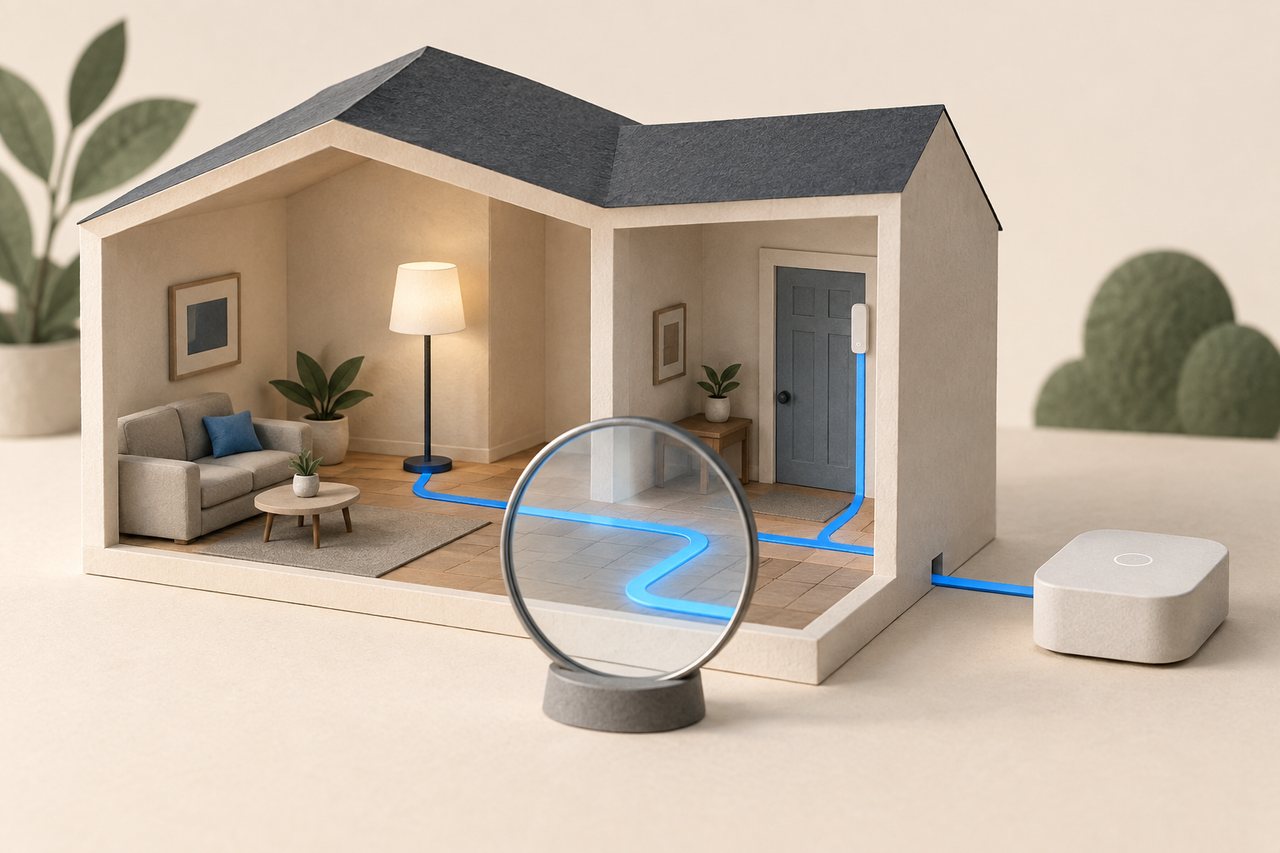
The map moves into the main interface
Home Assistant 2026.9, released on September 2, brings the Matter network map into its main interface through a Show map button. Previously available in the separate Matter Server interface, it is intended to make device connections easier to inspect without switching tools.
The release also adds more informative Activity details, showing what initiated a change and the automations or scripts involved. Together, these changes help answer two different questions: how a device connects, and why something happened. They are diagnostic improvements rather than a promise that every automation will become reliable.
Connection types still matter
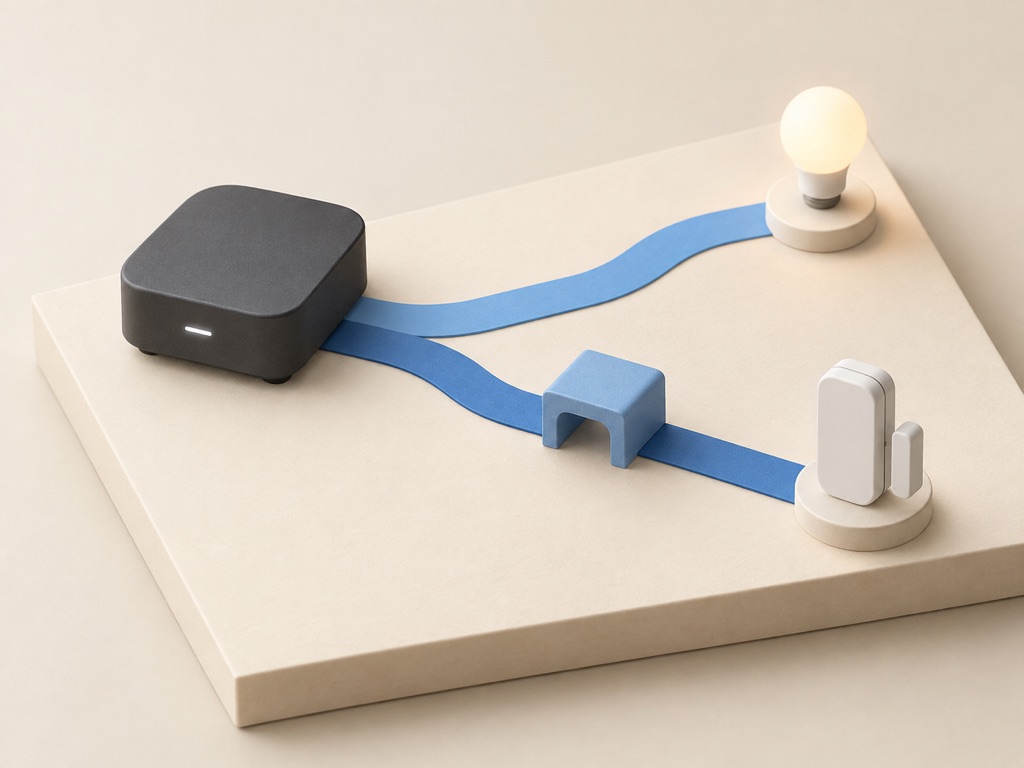
Matter devices can communicate over Wi-Fi or Thread. Thread equipment needs a suitable border router to reach the wider local network; the Matter label alone does not tell you which transport a device uses. Home Assistant’s integration documentation remains the place to check the installation requirements.
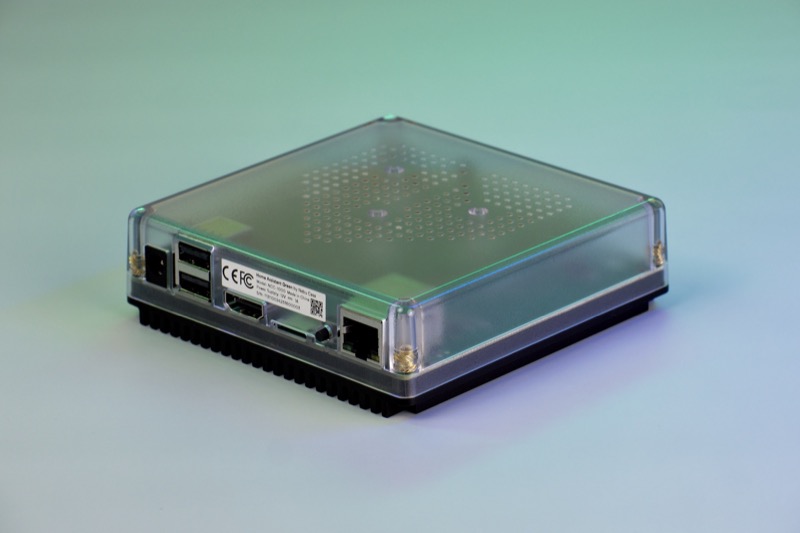
That distinction matters when choosing hardware. Home Assistant Green is the computer running the system, with Ethernet networking; separate hardware is needed for radio capabilities it does not include. Our Green and Aeotec Hub 2 comparison explains the different starting points without treating the two ecosystems as interchangeable.
Use the picture to ask better questions
Treat the map as one diagnostic view. In a September community discussion, users described missing border routers and devices in their own maps. Those reports do not establish how widespread the behaviour is, but they are a reason to check the integration and device state rather than treat a missing line as proof of a broken connection.
Check a missing device’s power and the connection type it uses before buying replacement hardware. Review the release notes and keep a current backup before updating. An older Matter Server may need an update to support the map; Home Assistant says the interface warns when that is the case. Our Wi-Fi placement guide covers the physical side of wireless coverage.