
Product spotlight
TP-Link Deco BE65 Pro: faster Wi-Fi across more rooms
Two Wi-Fi 7 nodes with multi-gigabit ports. Check client compatibility, placement and the backhaul connection.
Researched · Researched buying guide
The short answer
Choose this two-pack for a larger home with compatible devices and a need for multi-gigabit networking. A cheaper mesh kit may be sufficient when internet speed, older clients or basic coverage are the main limits.
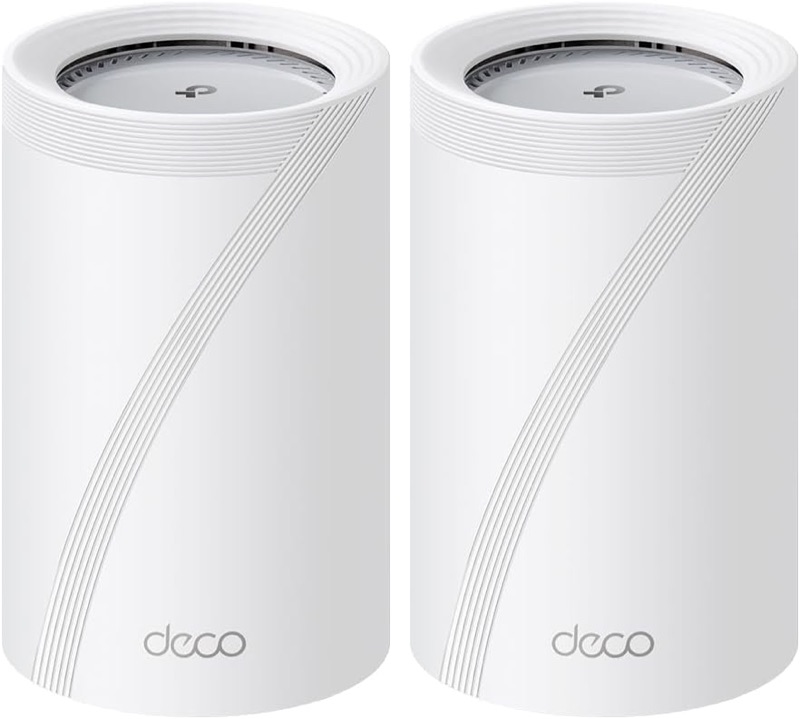
For multi-room Wi-Fi
Deco BE65 Pro · EU two-pack
Two BE9300 EU nodes and two power adapters. These are BE65 Pro units, not the differently specified US BE11000 version.
Check it out: TP-Link Deco BE65 Pro two-pack on Amazon.de (opens a new tab)Image: TP-Link / Amazon.de product listing
Affiliate links may earn us a commission. Compare the exact variant and current price before buying. Specifications are manufacturer claims, not our own test results.
Where the upgrade pays off
A mesh system gives distant rooms additional wireless access points. The BE65 Pro adds fast wired connections for homes that also move large files or have multi-gigabit broadband. Start by checking the speed and coverage you actually need.
The BE9300 label combines three radios. It does not promise a 9.3 Gbps download on a laptop. The client, internet service and connection between nodes all affect the result.
Put the second node within reach
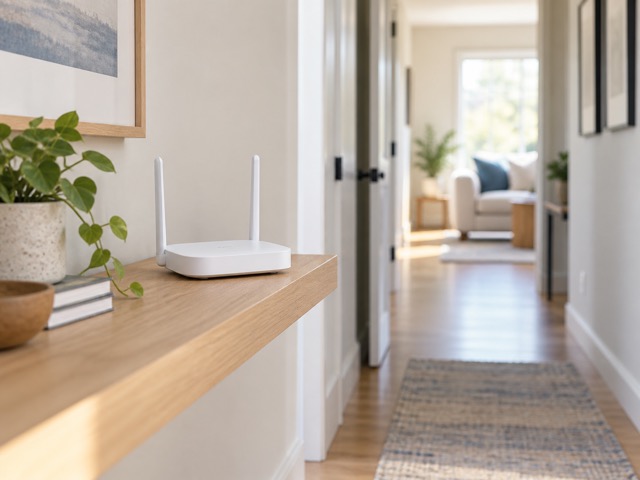
Place the second node where it still receives a useful connection from the first, rather than at the centre of an existing dead zone. Open shelves and clear surroundings give you more placement options than closed cupboards.
The 6 GHz band and wider channels need compatible devices. Walls and distance still matter, so test the rooms you use before deciding the first position is final. Older devices continue using their supported bands.
Make use of the wired ports
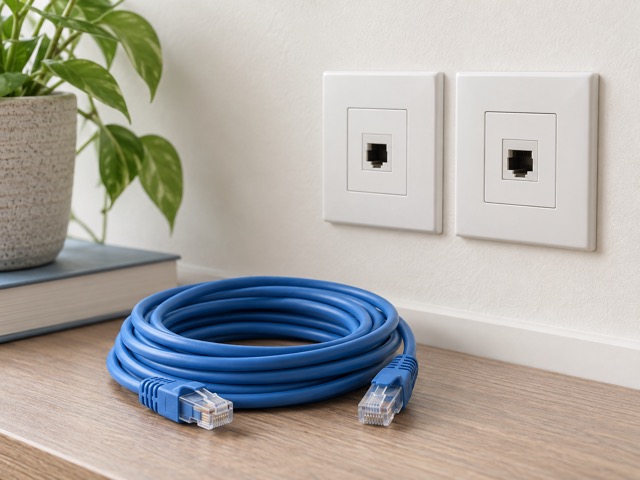
Each unit has two 5 Gbps ports and one 2.5 Gbps port. One connection on the main unit normally serves the internet link. Count the remaining sockets before adding a desktop, switch and cable to the second node.
Ethernet backhaul can provide a useful connection between floors where wireless reception is difficult. The kit includes one Ethernet cable; a longer route or additional wired devices may require more cables and suitable existing wiring.
Choose the right network role
Router mode lets Deco manage the home network. Access-point mode adds Wi-Fi behind an existing router. Choose the role deliberately, particularly if your provider’s equipment also handles telephony or other services you need.
Check the Deco app requirements and the HomeShield feature list before purchase. Advanced HomeShield functions need a subscription. The supplied hardware alone does not establish which paid security or parental-control tools will be available to your account.
Who should buy this two-pack
This kit makes most sense when better coverage and faster local networking are both useful. Its wired ports leave room for equipment beyond a single wireless laptop, while the two nodes offer flexibility around the home.
For ordinary browsing on older devices, begin with placement and broadband checks before paying for Wi-Fi 7. We have not measured coverage in your building; buy against your equipment and room layout, not an advertised maximum area.
Technical details
Specifications and compatibility.
| Specification | Details |
|---|---|
| Selected kit | 2 Deco BE65 Pro nodes; EU BE9300 version |
| Wi-Fi standard | Wi-Fi 7, IEEE 802.11be; older Wi-Fi clients supported |
| Radio bands | 2.4 GHz, 5 GHz and 6 GHz |
| Maximum 2.4 GHz signal rate | 688 Mbps |
| Maximum 5 GHz signal rate | 2882 Mbps |
| Maximum 6 GHz signal rate | 5765 Mbps |
| BE9300 rating | Combined theoretical radio rates; not one device’s download speed |
| Ethernet per node | 2 × 5 Gbps and 1 × 2.5 Gbps WAN/LAN ports |
| WAN allocation | Only one port serves as WAN at a time |
| Backhaul | Wireless, Ethernet, or combined wired and wireless |
| Wi-Fi 7 features | MLO, 320 MHz channels and 4K-QAM; compatible clients required |
| 320 MHz availability | 6 GHz only; regional channel restrictions apply |
| Operating modes | Router or access point |
| Security | WPA/WPA2-PSK/WPA3; client support required for WPA3 |
| Networking | IPv4 and IPv6; guest, IoT and MLO networks |
| Management | Deco app with local and remote management |
| Dimensions per node | 107.5 × 107.5 × 176 mm |
| Power adapter | 12 V, 3.3 A output; 100–240 V input |
| Maximum device consumption | 29 W excluding power-adapter losses; manufacturer figure |
| Operating temperature | 0–40°C |
| Included networking cable | 1 RJ45 Ethernet cable |
| HomeShield | Basic features included; advanced features require a paid subscription |