
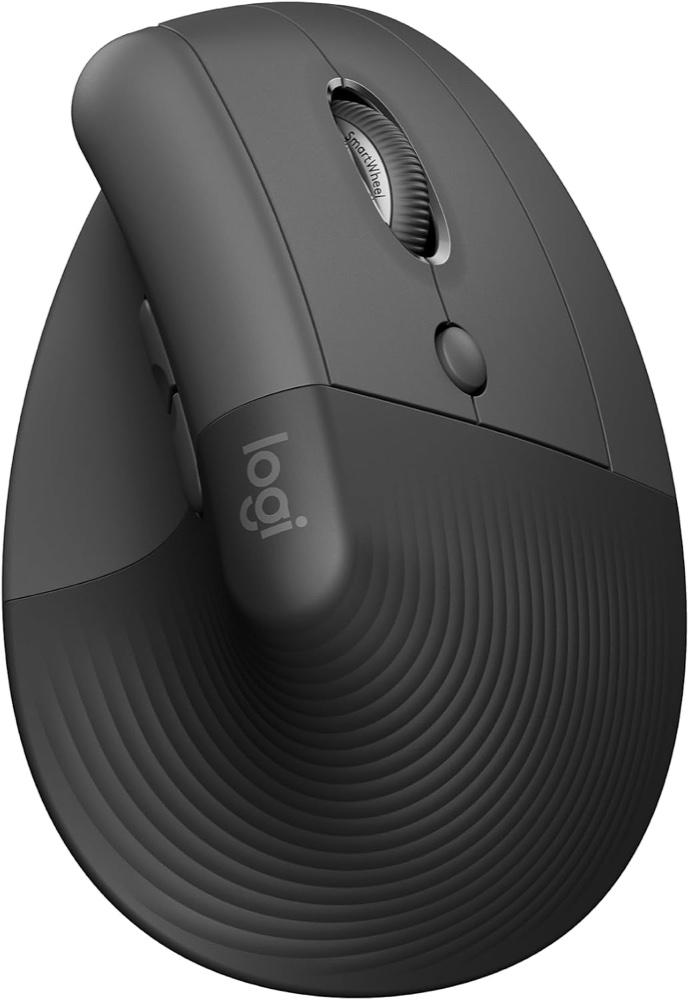
Ergonomic mice · Product spotlight
Logitech Lift: a different grip for a smaller hand
A compact vertical mouse for everyday desk work. Hand fit and software access matter more than extra buttons.
Researched
Our recommendation
Worth considering for small-to-medium right hands that prefer a more upright grip. It offers quiet controls and three-device switching, but comfort is personal and the shape needs trying before a long working day.
The link selects one graphite right-handed Lift with Logi Bolt receiver and AA battery. It is not Lift Left, Lift for Mac or a keyboard bundle.
- Grip angle
- 57° vertical design
- Hand fit
- Small-to-medium hands; linked model is right-handed
- Paired devices
- Up to 3; Easy-Switch selection
Affiliate links may earn us a commission. Check the exact variant and current price. Specifications are manufacturer claims, not our own test results.
Fit your hand before your setup
Lift is shaped for small-to-medium hands, with a thumb rest and a 57-degree upright grip. The reason to shortlist it is how that shape fits your working position. A high sensor-resolution number cannot tell you whether the buttons sit naturally beneath your fingers.
The approved Amazon link selects graphite, right-handed, mouse only. Left-handed and Mac-labelled variants are separate choices. Do not rely on a shared family name when checking the selected option.
Keep the working area close
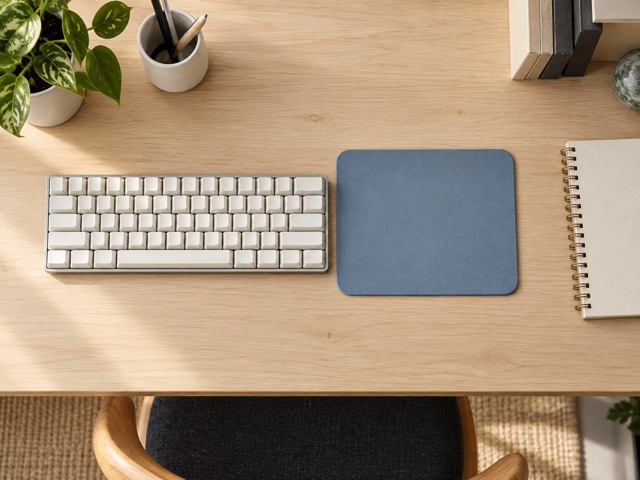
Leave clear space beside the keyboard so reaching the mouse does not become a repeated stretch. Check chair and desk height together with the new grip. A compact keyboard can help if a number pad pushes the mouse too far sideways.
Give yourself time to judge selection, dragging and wheel use in ordinary documents. We have not tested its comfort; an ergonomic label does not guarantee relief from pain or suit every hand.
Separate pairing from sharing
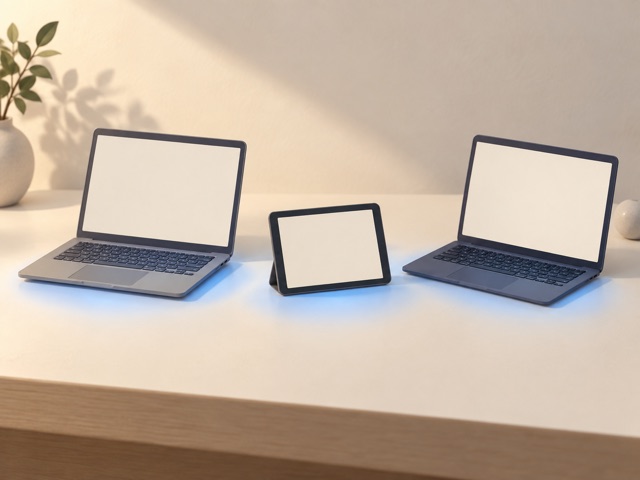
Bluetooth and the included Logi Bolt receiver provide two connection routes. Easy-Switch remembers up to three devices, with selection underneath the mouse. This is useful for a personal laptop beside a work computer, without moving a receiver every time.
Flow is a separate software feature for compatible computers on the same network. It needs Options+ and may be restricted by workplace policy. Pairing alone does not transfer files or make every tablet a Flow computer.
Choose the controls you actually use
Quiet clicks and the SmartWheel suit browsing, spreadsheets and long documents. Start with a comfortable pointer speed, then assign supported shortcuts only if they remove repeated work. The optical sensor offers adjustment from 400 to 4000dpi; Amazon’s generic laser description conflicts with Logitech’s specification.
Options+ customisation runs on Windows and macOS. Basic Bluetooth compatibility on another platform does not promise the same button assignments, gestures or cross-computer features. Check software permissions before buying for a managed laptop.
Allow for a different daily habit
Lift uses a replaceable AA rather than a charging cable. The quoted two-year runtime is a manufacturer estimate, so keep a spare if an interrupted workday would be inconvenient. Store the receiver carefully when using Bluetooth.
At 125g and with a tall body, this is a desk-focused choice. If you need a flatter travel mouse, a large-hand shape or gaming-specific controls, compare those priorities before choosing the vertical grip.
Technical details
Specifications and compatibility.
| Specification | Details |
|---|---|
| Grip angle | 57° vertical design |
| Hand fit | Small-to-medium hands; linked model is right-handed |
| Paired devices | Up to 3; Easy-Switch selection |
| Linked colour / quantity | Graphite; Amazon option calls it gray; one mouse |
| Tracking sensor | Logitech Advanced Optical Tracking |
| Resolution range | 400–4000dpi; 100dpi adjustment increments |
| Nominal resolution | 1000dpi |
| Controls | 6 main buttons, including wheel click; separate underside connection control |
| Customisation | 4 customisable buttons through Logi Options+ |
| Scrolling | SmartWheel; precise line scrolling and faster scrolling |
| Connections | Bluetooth Low Energy or included Logi Bolt USB receiver |
| Receiver compatibility | Logi Bolt; not compatible with Logitech Unifying receivers |
| Wireless range | Up to 10m; environment-dependent |
| Battery | One replaceable AA, included; not a USB-rechargeable mouse |
| Battery-life claim | Up to 24 months; varies with use and computer conditions |
| Dimensions | 108 × 70 × 71mm; manufacturer dimension labels vary by page |
| Weight | 125g |
| Bluetooth host support | Windows 10/11+, macOS 10.15+, iPadOS 14+, ChromeOS, Linux, Android 8+ |
| Receiver host support | Available USB port; Windows 10/11+, macOS 10.15+, ChromeOS or Linux |
| Optional software | Logi Options+ for Windows/macOS; current download requires Windows 10+ or macOS 13+ |
| Flow requirements | Compatible computers, Options+ installed and same network; workplace policies may restrict it |
| Package | Lift mouse, Logi Bolt USB receiver, one AA battery and documentation |
| Use limits | Personal fit varies; no guaranteed pain relief or measured gaming-performance claim |
A good fit if…
You have a small-to-medium right hand, want an upright desk grip and value quiet controls or switching among several devices.
Keep in mind
Hand comfort needs a personal trial. This variant is right-handed; advanced software features vary by platform and workplace permissions.