
2 perspectives. One decision.
Brio 500 vs Facecam MK.2: simpler meetings or a controlled video setup?
Compare autofocus, Full HD frame rates, built-in audio and the connections needed for daily calls.
Researched · Specification comparison
The short answer
Brio 500 suits meetings with integrated microphones, autofocus and desk-sharing features. Facecam MK.2 suits a fixed seating position with separate audio and more deliberate image control.
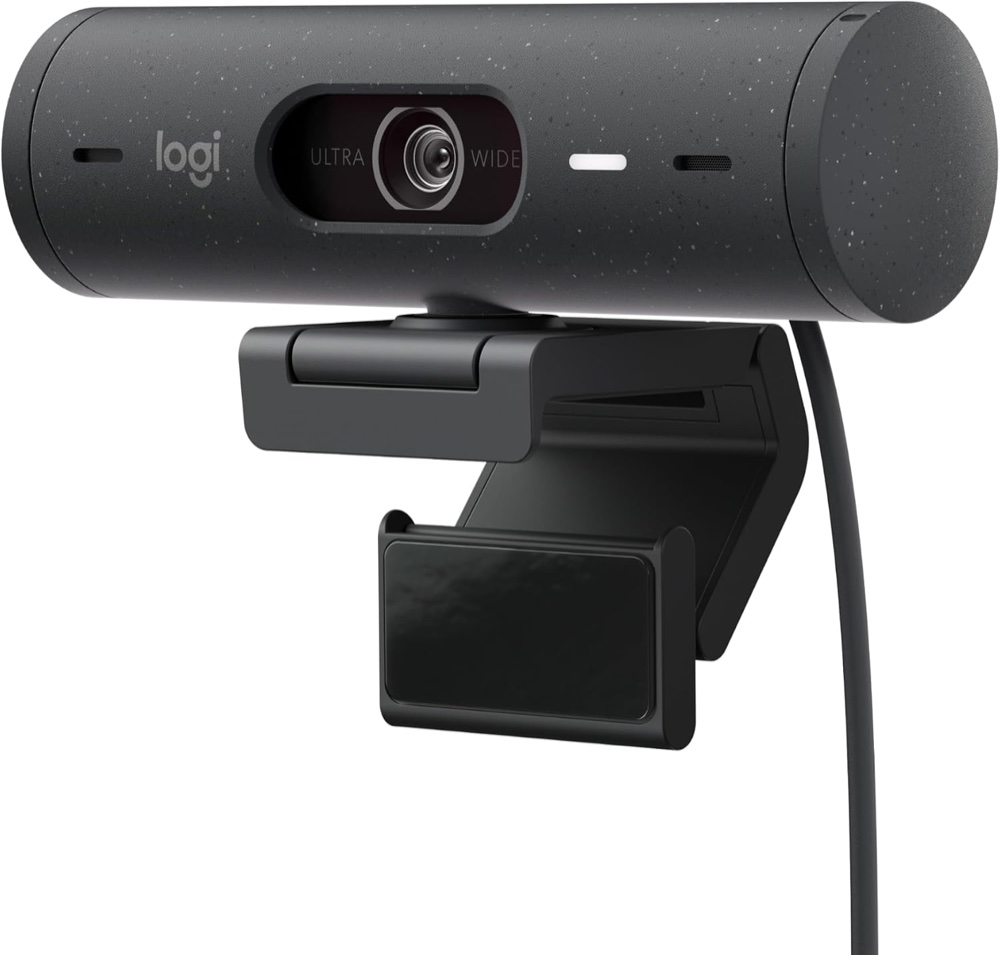
For everyday meetings
Logitech Brio 500 · graphite
One graphite/grey Brio 500 with attached USB-C cable and monitor mount; webcam-only selection.
Check it out: Logitech Brio 500 on Amazon.de (opens a new tab)Image: Logitech / Amazon.de product listing
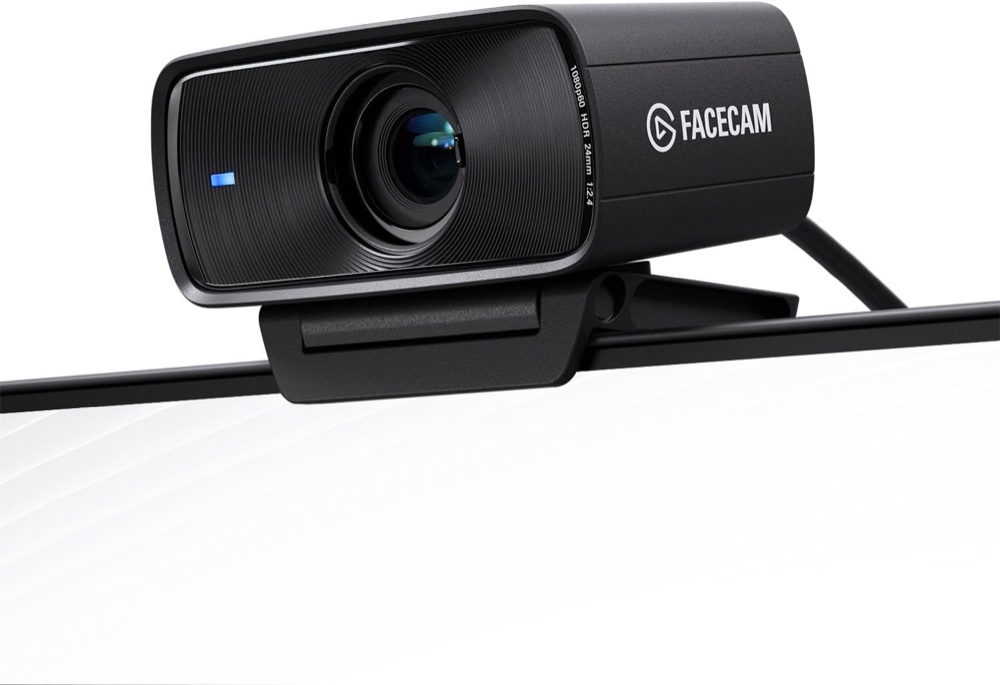
For a controlled desk setup
Elgato Facecam MK.2
One black MK.2 Full HD webcam with mount and USB cable. The pictured monitor is not included; the 4K option is a different product.
Check it out: Elgato Facecam MK.2 on Amazon.de (opens a new tab)Image: Elgato / Amazon.de product listing
Affiliate links may earn us a commission. Compare the exact variant and current price before buying. Specifications are manufacturer claims, not our own test results.
Choose the level of setup you want
Brio 500 combines camera and microphones in one USB device. Autofocus and automatic light correction suit ordinary meetings where you want fewer pieces of equipment to configure. Facecam MK.2 assumes you will plan audio separately.
Neither camera determines the quality a meeting service sends to other people. Application settings, connection quality and the service’s limits can reduce resolution or frame rate. Confirm the chosen camera and microphone inside the app before an important call.
Decide whether autofocus helps
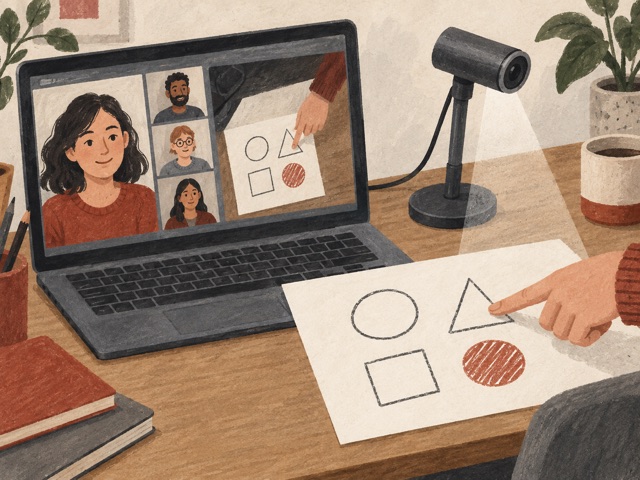
Brio can refocus when your position changes. Facecam uses a fixed focus range optimised for sitting roughly 30–120cm away. That can suit a consistent desk setup, but moving very close with a small object is a different task.
Brio’s Show Mode lets you tilt the camera toward desk work with supporting Logi Tune software. It is useful for explaining a sketch or demonstrating an object, though it is not a dedicated overhead document camera.
Plan light and sound together
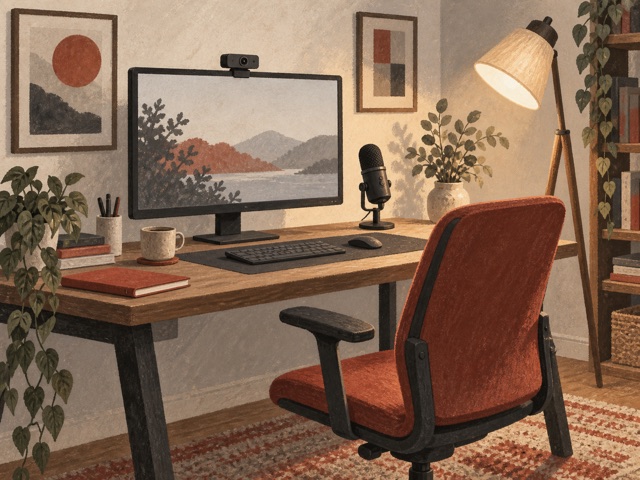
Facecam’s 1080p60 capability is useful for smoother local recording or supported calls, while Brio reaches 1080p30. A brighter, well-positioned light can matter more than that difference in a dim room. Avoid a strong window directly behind you.
Brio supplies two microphones, but their presence does not guarantee clear sound at every distance. Facecam supplies none. A separate headset or microphone can make the audio arrangement more predictable on either camera.
Check ports and software first
Brio has a permanently attached 1.5m USB-C cable. Facecam uses a detachable cable and recommends a direct USB 3.0 connection for uncompressed video; USB 2.0 uses MJPEG compression. Check the available computer port before choosing an adapter.
Logi Tune adds Brio’s framing and presentation controls on supported Windows and macOS computers. ChromeOS lacks that app. Facecam’s current recommended host requirements are higher than those on some older support pages; use the current requirements when planning a purchase.
Pick the camera that fits your routine
Choose Brio for a straightforward meeting station with autofocus and integrated audio. Choose Facecam for a fixed position, separate microphone and time spent adjusting exposure or colour. Both have physical privacy shutters.
Digital zoom crops the image; neither offers optical zoom or a moving tracking head. We have not tested them in matching lighting, so this comparison does not rank image quality, microphone clarity or autofocus speed.
Side by side
The differences that matter.
On smaller screens, swipe across the table to compare all products.
| At a glance | Logitech Brio 500 · graphite | Elgato Facecam MK.2 |
|---|---|---|
| Linked model | Graphite Brio 500; B07W5JKKFJ | Black Facecam MK.2; B0CW1S7XP5 |
| Maximum Full HD | 1920 × 1080 at 30fps | 1920 × 1080 at 60fps; SDR or HDR |
| Other standard modes | 1280 × 720 at 60fps | 720p60/30 and 540p60/30 |
| High-frame-rate note | No 120fps mode claimed | Model-specific support lists 720p120/540p120; 720p120 disables HDR |
| Focus | Autofocus | Fixed; optimised for 30–120cm |
| Sensor | 4MP CMOS | Sony STARVIS CMOS, 1/2.5-inch |
| Lens | Glass | Elgato Prime Lens, f/2.4, 24mm full-frame equivalent |
| Diagonal field of view | 90°, with 78° and 65° selections | 84° |
| Zoom | Up to 4× digital | Digital pan/tilt/zoom through Camera Hub |
| Microphones | Two noise-reducing microphones; specified range up to 1.22m | None; separate microphone or headset required |
| Light handling | RightLight 4 with HDR | Exposure, white balance and processing controls; HDR available |
| Automatic framing | RightSight through Logi Tune; feature support lists Windows 10+ and macOS 11+ | No motorised tracking head; manual digital framing |
| Desk presentation | Show Mode with downward tilt; Logi Tune required | Reposition camera and configure image manually |
| Connection | Attached USB-C cable; USB plug-and-play | USB-C camera; USB 3.0 uncompressed or USB 2.0 MJPEG |
| Host connection advice | Compatible USB-C port; separate adapter if required | Direct USB 3.0 or faster recommended; avoid hubs |
| Privacy shutter | Integrated rotating shutter | Integrated sliding shutter |
| Body dimensions | 110 × 31.5 × 31.5mm | 84 × 38 × 61mm without mount |
| Weight | 121g including cable and mount | 90g without mount; 136g with mount |
| Cable | Attached 1.5m USB-C | Current manufacturer package: 1.8m USB-C to USB-C; older support describes USB-A |
| Mount | Monitor clip; tripod-compatible | Monitor mount and standard 1/4-inch thread |
| Software | Logi Tune on supported Windows/macOS; not ChromeOS | Camera Hub on supported Windows/macOS |
| Host requirements | Windows 8+, macOS 10.10+, ChromeOS basic UVC; software requirements are separate | Current recommended Windows 11+ Intel/AMD or macOS 13.3+ Intel/Apple silicon |
| Package | Webcam with cable, mount and user documentation | Webcam, monitor mount, USB cable and documentation |
| Extra items | Optional headset or separate microphone | Microphone/headset required; suitable port adapter if needed |