
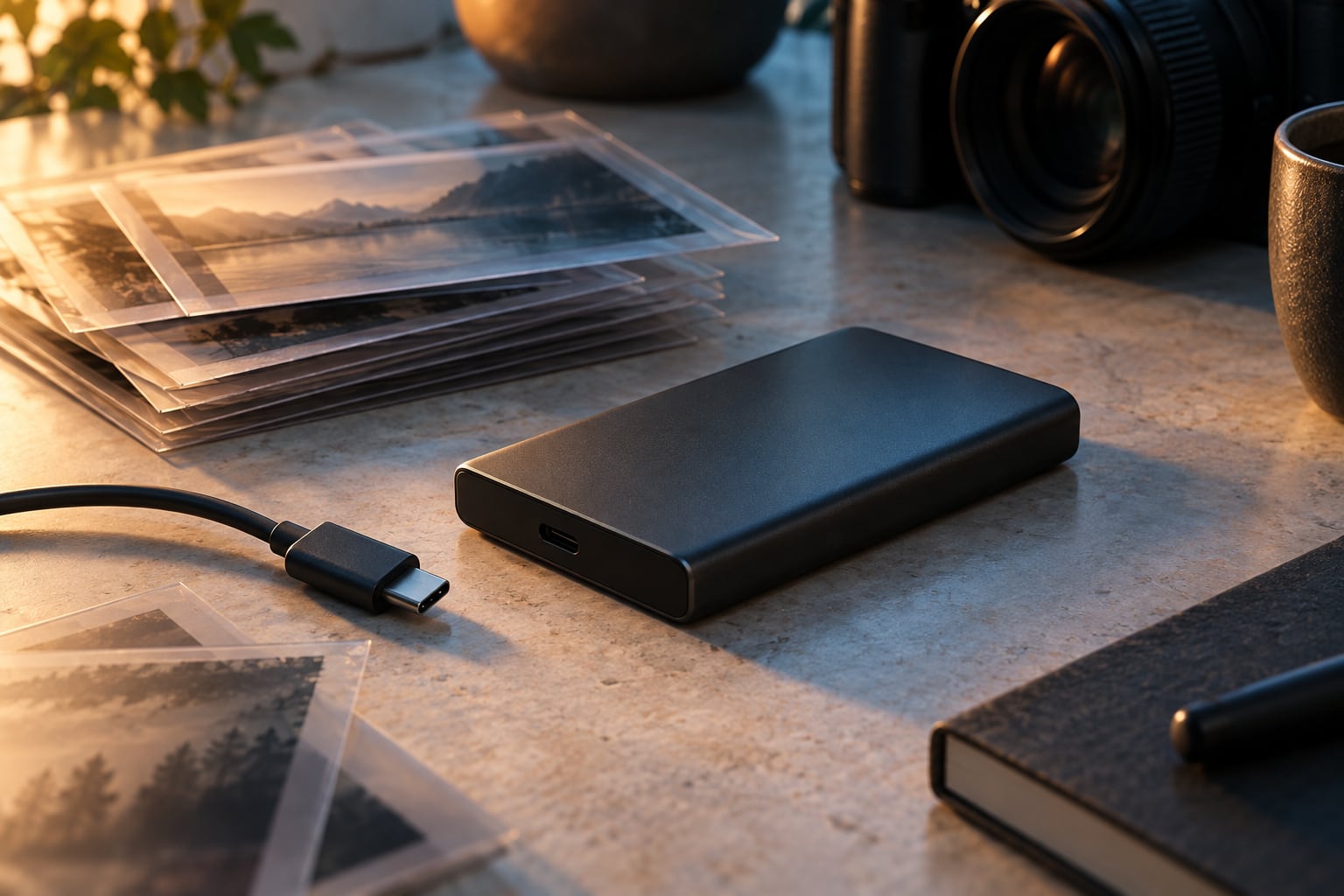
A new portable-storage family
Samsung’s P9 and P7 portable SSDs were announced for a September rollout at Gamescom on August 26. Both use USB4, with the P9 aimed at demanding creative work and the P7 positioned for everyday storage. The announcement lists capacities from 1 TB to 8 TB, subject to regional availability.
For the P9, Samsung claims sequential speeds of up to 4,000 MB/s reading and 3,800 MB/s writing. These describe particular test conditions, not a guaranteed rate for every file copy. A rollout timetable also does not establish that a specific capacity is in stock at a German retailer.
The cache changes the longer transfer
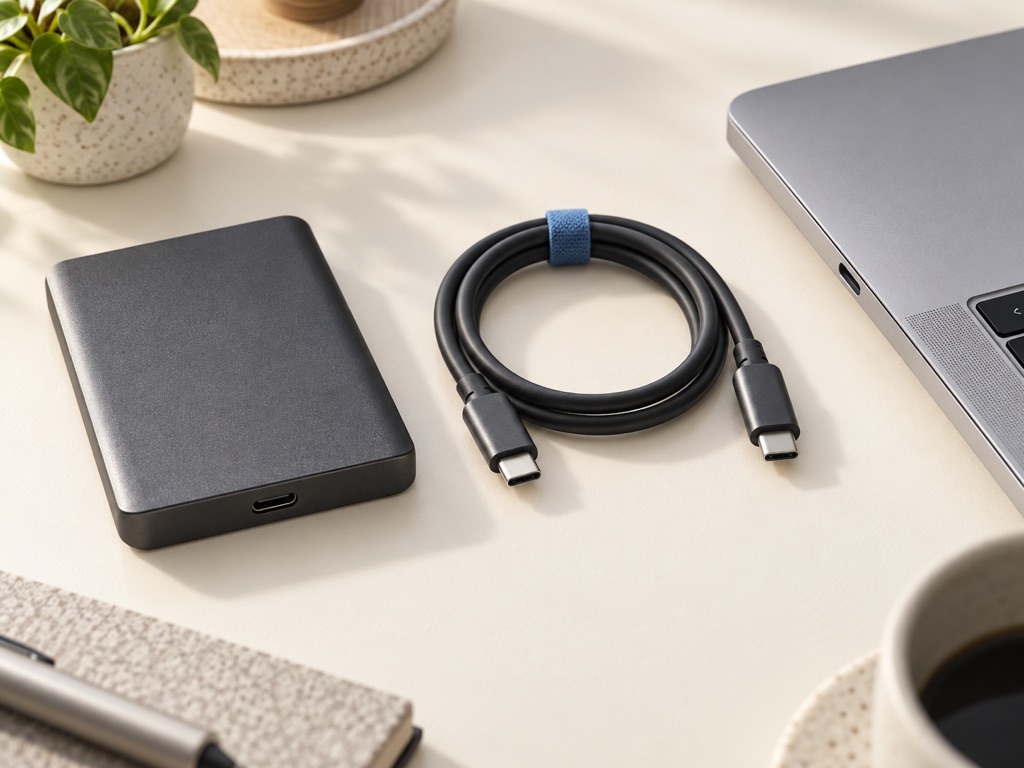
Samsung’s Belgian announcement gives a more revealing qualification: after Intelligent TurboWrite, its internal tests rate the 2 TB P9 at 2,000 MB/s sequential writing and the 1 TB version at 1,000 MB/s. Those figures concern the stated P9 capacities; they should not be applied to every P7 or P9 model.
A short burst and a sustained project transfer can therefore look different. The manufacturer also identifies the host configuration, cable and system environment as factors. Our portable SSD guide explains why the connector’s shape alone cannot tell you how fast a computer can exchange data with a drive.
Match the drive to the job
Start with the files you regularly move and the connection your computer actually supports. Someone copying a large video project repeatedly has a different problem from someone making occasional document backups. Faster storage is useful when it removes a real wait; extra capacity may matter more when the existing drive is simply full.
The T9, X10 Pro and XS2000 comparison covers existing USB 3.2 Gen 2×2 models, not the new P series. The SanDisk USB4 overview offers another interface reference. Neither is a hands-on test of Samsung’s announcement, and none replaces keeping a separate copy of irreplaceable files.