
SSD enclosures · 2 products compared
UGREEN 35267 vs Sabrent EC-SNVE: match the drive first
Two 10Gbps USB enclosures, with a meaningful difference in M.2 drive support.
Researched
Researched buying guide
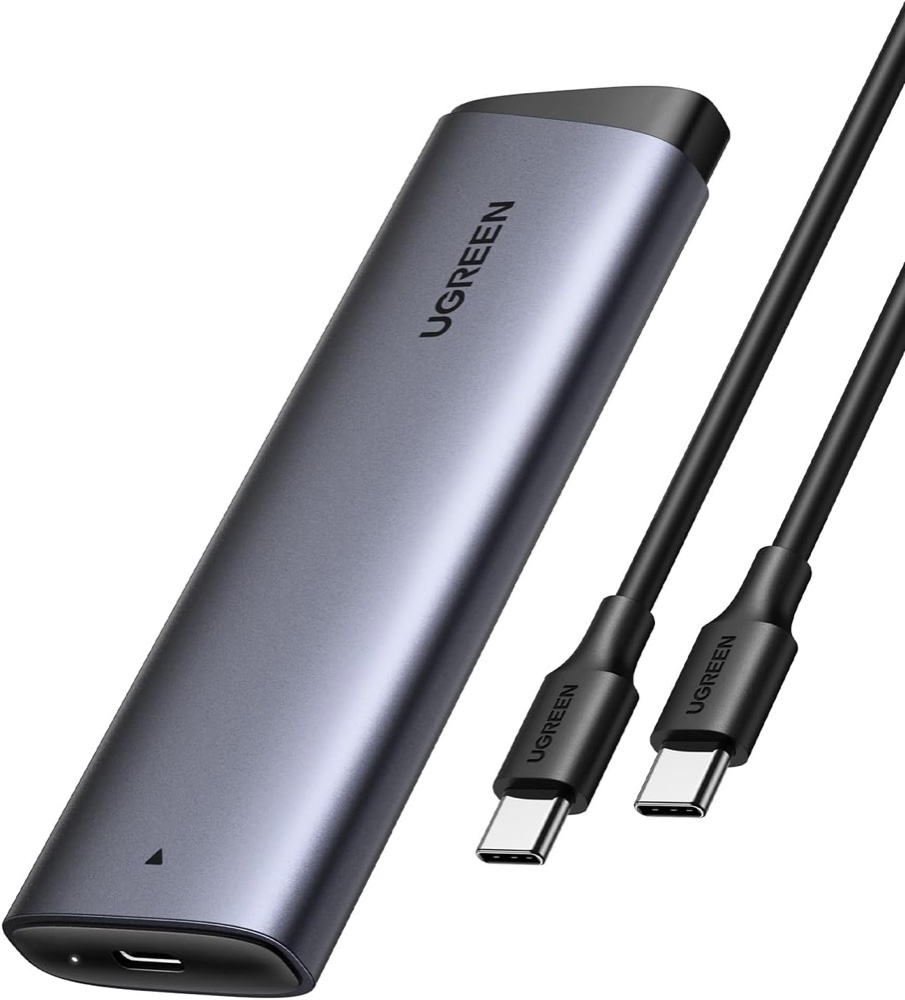
For a confirmed NVMe drive
UGREEN 35267 · grey
One NVMe-only enclosure with USB-C cable and thermal material. Listing package names a screwdriver and two screws despite the tool-free title.
Check it out: UGREEN Tool-free NVMe Enclosure on Amazon.de (opens a new tab)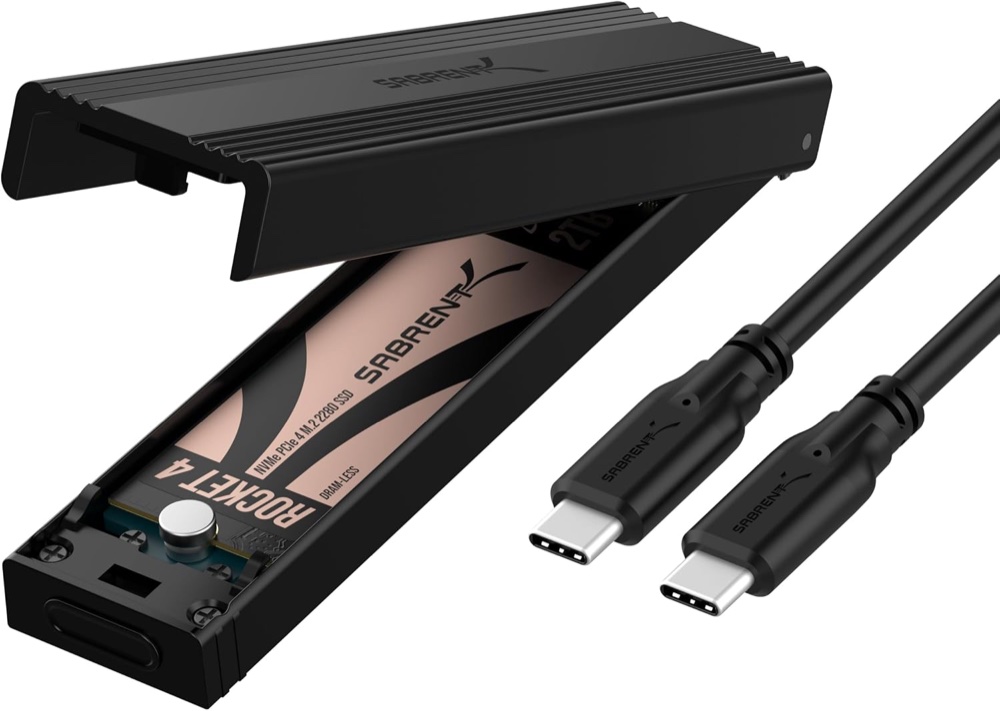
For either M.2 SATA or NVMe
Sabrent EC-SNVE · black
One enclosure with USB-C cable and guide. The SSD shown in the photograph is a demonstration drive and is not included.
Check it out: Sabrent EC-SNVE on Amazon.de (opens a new tab)Affiliate links may earn us a commission. Check the exact variant and current price. Specifications are manufacturer claims, not our own test results.
Read the drive label first
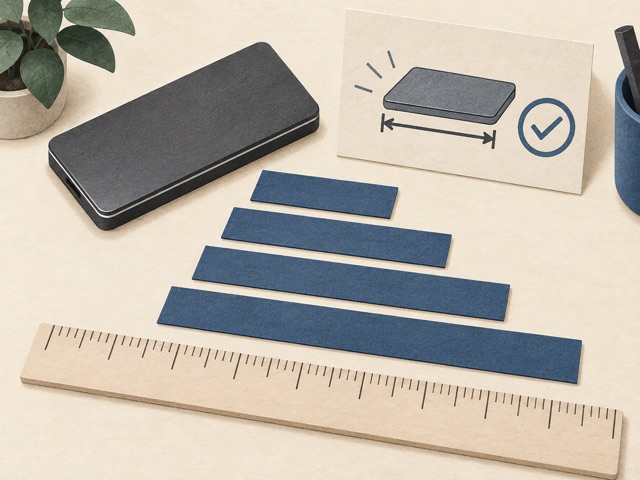
M.2 describes a physical format, not a guarantee that two drives use the same protocol. UGREEN 35267 accepts supported NVMe drives; Sabrent EC-SNVE also accepts M.2 SATA. That difference matters when reusing an older laptop SSD. Check the drive’s model, protocol and length before ordering, rather than relying on the connector notch alone. Neither enclosure turns an incompatible drive into a supported one.
Identify the actual linked models
The catalogue’s UGREEN description names CM400, but the current Amazon ASIN and official product page identify 35267. We describe that linked version. Sabrent’s listing contains confusing USB wording and an implausible speed field; its manufacturer specifies 10Gbps. These are enclosure purchases, with no SSD included. In particular, the Sabrent photograph shows a demonstration drive that does not form part of the package.
Keep speed expectations realistic
Both share the same nominal 10Gbps USB ceiling. A fast internal NVMe specification does not transfer unchanged through that connection, and a SATA drive has its own lower limit. Host port speed, cable capability, file size and sustained temperature all affect results. Use a data cable rated for the link; an identical-looking USB-C charging lead may not provide the same transfer speed.
Install without risking existing files
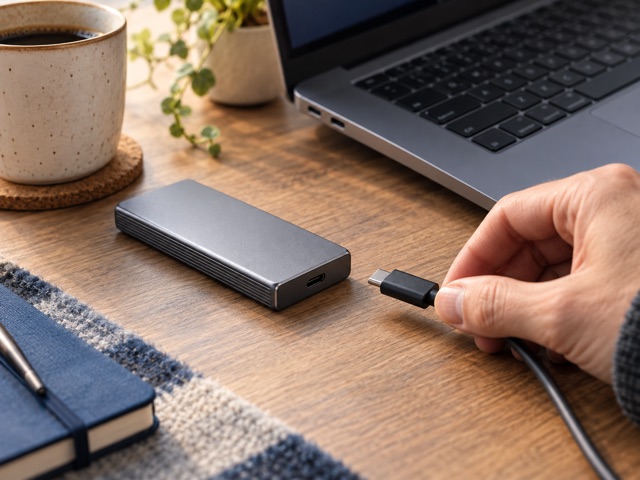
Disconnect the enclosure before opening it and follow the supplied mounting instructions. Sabrent’s cover hinges open; the guide says not to force it off. UGREEN is marketed tool-free, although the checked box list also includes screws and a screwdriver. A new disk may need initialisation, but do not format a reused drive simply because it is not immediately visible. Preserve its data before changing partitions.
Choose the useful flexibility
Sabrent is the practical choice when your collection includes both M.2 SATA and NVMe drives. UGREEN remains a reasonable NVMe-only option when its mounting and thermal arrangement suit the intended SSD. Neither is a backup strategy by itself. Safely eject before unplugging, keep another copy of important files, and confirm the supported capacity and physical clearance for unusually large or double-sided drives.
Side by side
The differences that matter.
On smaller screens, swipe across the table to compare all products.
| At a glance | UGREEN 35267 · grey | Sabrent EC-SNVE · black |
|---|---|---|
| Linked version | UGREEN 35267, grey; B0D53K7HK9 | Sabrent EC-SNVE, black; B08RVC6F9Y |
| USB link | USB 3.2 Gen 2, 10Gbps | USB 3.2 Gen 2, 10Gbps |
| Drive quantity | One M.2 SSD; supplied separately | One M.2 SSD; supplied separately |
| NVMe support | PCIe NVMe M-key or compatible B+M-key drive | PCIe NVMe M-key or compatible B+M-key drive |
| M.2 SATA support | No | Yes |
| Drive lengths | 2230, 2242, 2260, 2280 | Current manufacturer page: 2230, 2242, 2260, 2280; check mounting position on supplied unit |
| Capacity claim | Up to 8TB, subject to compatibility | No maximum capacity established from checked primary documents |
| Host connector | USB-C | USB-C |
| Power | USB bus-powered | USB bus-powered |
| Transfer protocols | UASP, TRIM and S.M.A.R.T. listed; host support matters | UASP and TRIM; host support matters |
| Housing | Aluminium alloy; thermal pad/material | Aluminium with ABS frame; thermal pad |
| Opening / mounting | Marketed tool-free; listing includes screwdriver and two screws | Tool-free latch, hinged cover and retaining pin |
| Size | 120 × 38 × 13mm, manufacturer table | 4.59 × 1.24 × 0.5in, manufacturer table |
| Weight | Not reliably established; Amazon’s 93mg entry is erroneous | 2.3oz, manufacturer table |
| Sleep | Automatic sleep listed | Sleep behaviour depends on host; no interval established |
| Operating systems | Manufacturer lists Windows, macOS, Linux, Android and iOS; device/file-system support required | Windows/macOS plug-and-play; compatible USB storage host required |
| Included cable | USB-C-to-USB-C | 8-inch USB-C-to-USB-C |
| Package | Enclosure, thermal material, cable, screwdriver, two screws, guide/warranty information | Enclosure, cable and guide; pictured SSD excluded |
| Catalogue discrepancy | Older catalogue model says CM400; checked ASIN and official page identify 35267 | Listing’s “3.2 X2” and 10,000MB/s fields conflict with the actual 10Gbps model |
| Not supported | SATA NGFF, mSATA or 2.5-inch drives | mSATA or 2.5-inch drives; M.2 SATA is a different format |
| Before use | Install compatible drive; initialise/format only when needed and after preserving data | Disconnect cable before opening; do not detach hinged cover; initialise new drive when needed |
The final check
A good fit if…
You already know the protocol and size of the M.2 drive you want to reuse; Sabrent adds useful SATA compatibility.
Keep in mind
No SSD included. Both are 10Gbps enclosures, and capacity, mounting, host support and sustained speed need checking for your setup.