
Direct-attached storage · Product spotlight
TerraMaster D4-320: four drives beside one computer
A four-bay USB enclosure for SATA drives, with a shared 10Gbps connection and no hardware RAID.
Researched
Researched buying guide
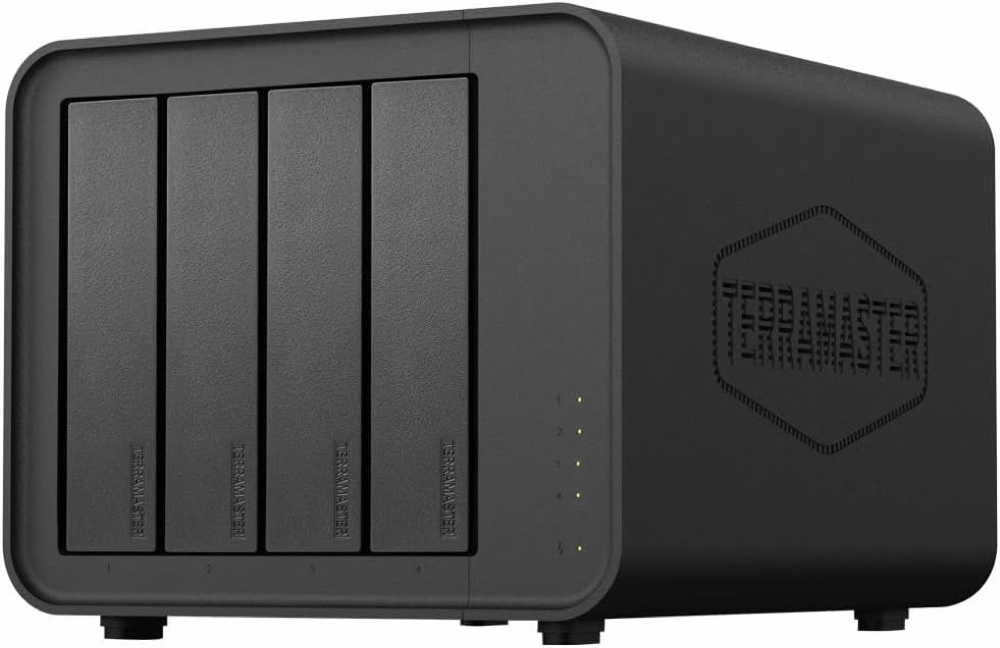
For several SATA drives at one workstation
TerraMaster D4-320 · diskless
One black four-bay enclosure with power supply, power cord, 0.8m USB-C cable, installation guide and drive screws. Drives are separate.
Check it out: TerraMaster D4-320 on Amazon.de (opens a new tab)- Drive bays
- 4 SATA bays
- Computer connection
- USB 3.2 Gen 2 Type-C, 10Gbps shared
- Drive mode
- Separate disks; no hardware RAID
Affiliate links may earn us a commission. Check the exact variant and current price. Specifications are manufacturer claims, not our own test results.
Treat it as a computer accessory
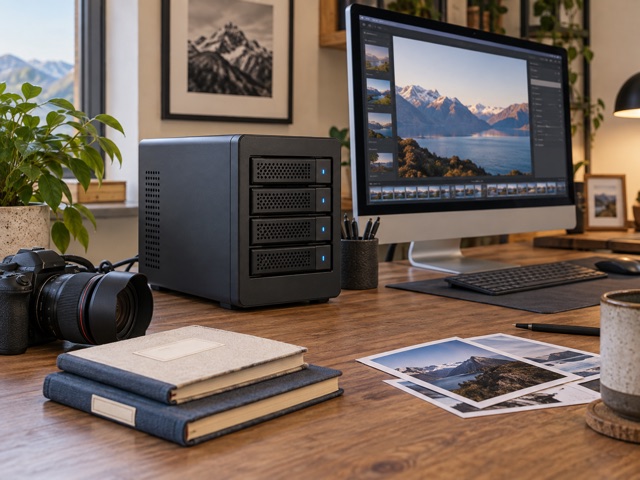
D4-320 connects four SATA drives to one computer through USB. It is useful for a workstation that needs room for media, archives or separate project disks without installing drives internally. It does not run a NAS operating system or provide a network port. If several people need independent access while your computer is off, this direct-attached design is the wrong starting point.
Keep the disk arrangement clear
The enclosure exposes separate disks and supplies no hardware RAID. That makes individual volumes straightforward, but it does not automatically duplicate their contents or recover a failed drive. A host-managed software array is a separate decision with its own portability and recovery requirements. Decide how the disks will be used before formatting them, especially if you plan to move the enclosure between operating systems.
Share one USB connection
All four bays share the 10Gbps link. TerraMaster’s fastest quoted results use multiple SSDs; a single hard drive, a slower port or simultaneous transfers changes the outcome. The USB-C connector alone does not establish the connection speed. Use the supplied 10Gbps cable and a matching host port, and treat the published throughput as a test-condition claim rather than a promise for your workload.
Keep another copy elsewhere
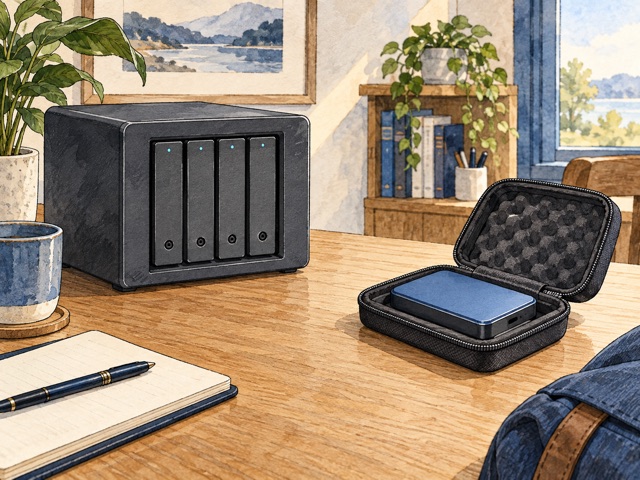
Four bays in one box do not create four independent backups. An accidental deletion, host problem or enclosure failure can affect the working set. Keep a separate copy of irreplaceable files and check that you can restore it. Drive sleep and hot-swap support help operation, but neither makes it safe to pull a disk while the computer is still writing to it.
Check the drives and desk
The linked unit contains no drives. Its capacity wording is inconsistent: Amazon lists 22TB per bay, while the current manufacturer table says 32TB and retains older text elsewhere. Confirm the exact drive model before buying large disks. Allow space for the enclosure, power supply and airflow. It suits someone comfortable managing storage on a host computer, rather than expecting automatic protection from the four-bay shape.
Technical details
Specifications and compatibility.
| Specification | Details |
|---|---|
| Linked version | D4-320 four-bay, diskless; B0CTWSD8X6 |
| Drive bays | 4 SATA bays |
| Computer connection | USB 3.2 Gen 2 Type-C, 10Gbps shared |
| Drive mode | Separate disks; no hardware RAID |
| Supported drives | 3.5-inch SATA HDD; 2.5-inch SATA HDD or SSD; no M.2 NVMe slots |
| Capacity discrepancy | Amazon lists 22TB per bay / 88TB total; current manufacturer table lists 32TB / 128TB, while its prose retains 22TB wording. Confirm exact drive compatibility. |
| Host systems | Windows, macOS and Linux |
| File systems | Host-dependent: manufacturer lists NTFS, APFS, Mac OS, FAT32, EXT4 and exFAT |
| Hardware RAID / rebuilding | Not provided; any software array is managed by the host |
| Network / daisy-chain ports | None |
| Thunderbolt | No native Thunderbolt interface; use USB compatibility on a suitable host port |
| Hot swap / sleep | Supported; safely eject through the host before removing a drive |
| Read claims | Up to 560MB/s with one SSD; 1,016MB/s with four SSDs |
| Write claims | Up to 520MB/s with one SSD; 960MB/s with four SSDs |
| Drive monitoring | Manufacturer table does not specify enclosure S.M.A.R.T. inspection or alert notices |
| Dimensions / empty weight | 222 × 179 × 154mm (H × W × D); 1.9kg net |
| Fan | One 120 × 120 × 25mm fan; smart control |
| Noise claim | 21dB(A) under manufacturer conditions; installed drives affect noise |
| Power supply | 72W; 100–240V AC, 50/60Hz; enclosure DC input 12V |
| Power consumption claim | 40.8W access / 3.7W hibernation; drive configuration matters |
| Environment | Operating 0–40°C; storage −20–60°C; 5–95% relative humidity |
| Included cable | 0.8m USB-C-to-USB-C, rated 10Gbps |
| Package | Enclosure, power adapter/cord, USB cable, guide, screws and warranty note; no drives |
The final check
A good fit if…
One workstation needs several SATA drives and you will manage formatting, backup and any software array yourself.
Keep in mind
Diskless, no hardware RAID and no network interface. Capacity claims conflict; all bays share one USB link.