
2 perspectives. One decision.
Synology DS224+ vs DS923+: two bays or four?
A smaller two-bay NAS and a more expandable four-bay model compared around capacity, memory, workload and the cost of growing later.
The short answer
The DS224+ is the simpler fit for basic backup, file sharing and a smaller drive plan. The DS923+ offers four bays and more memory from the start, which gives it more room for capacity and heavier workloads. Drive cost, backup strategy and network speed should be planned before choosing either enclosure.
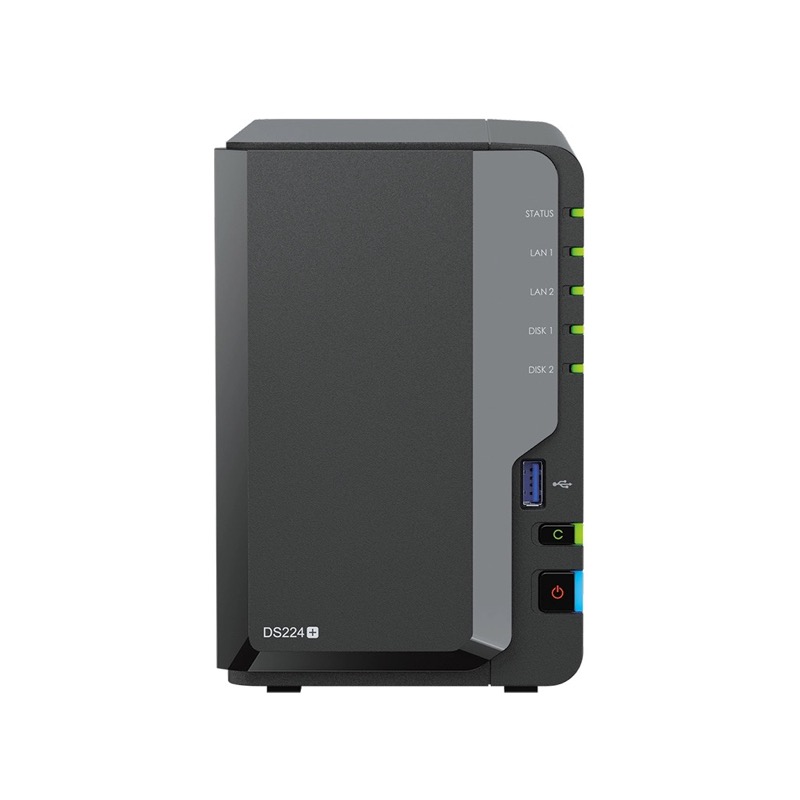
For a smaller storage plan
Synology DS224+
Two bays for backup and shared files. Plan usable capacity first.
Check it out: Synology DiskStation DS224+ on Amazon.de (opens a new tab)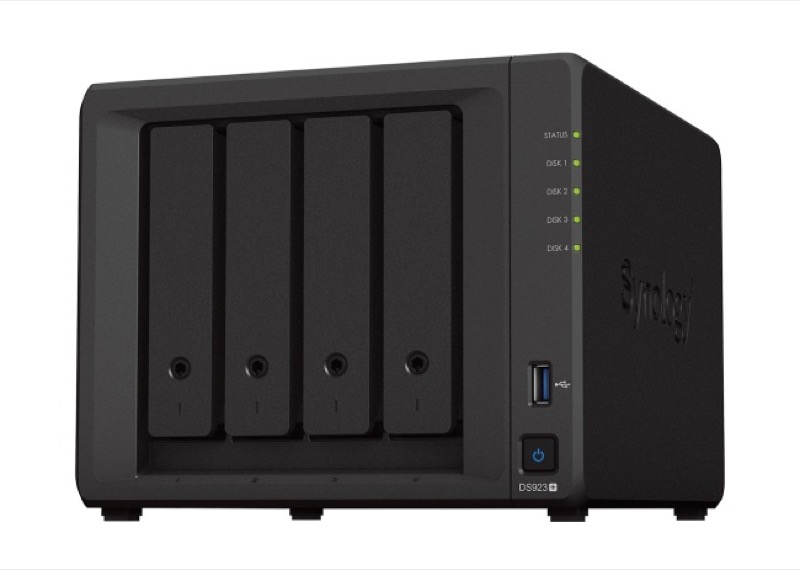
For more room to grow
Synology DS923+
Four bays and more included memory. Budget for drives and backup.
Check it out: Synology DiskStation DS923+ on Amazon.de (opens a new tab)Affiliate links may earn us a commission. Compare the exact variant and current price before buying. Specifications are manufacturer claims, not our own test results.
Start with usable capacity
A two-bay and four-bay NAS can use the same drive family but produce very different storage plans. Redundancy reduces usable capacity, and backup still requires another copy elsewhere. Calculate the data you have now, expected growth and the space needed for snapshots before choosing the enclosure.
More bays change the upgrade path
Four bays allow more combinations of capacity and redundancy. They can also delay the moment when every installed drive has to be replaced. The tradeoff is a larger initial drive budget and more hardware to power and maintain.
Applications and memory
The DS923+ starts with more memory and ECC support. That matters more when the NAS will run several packages, serve multiple users or take on workloads beyond straightforward file storage. The DS224+ remains a more direct appliance for lighter use.
Network reality
A faster storage pool does not automatically make transfers faster. Client Wi-Fi, Ethernet ports, switches and cabling can become the limit. Map the entire route between computer and NAS before paying for performance the network cannot deliver.
Side by side
The differences that matter.
On smaller screens, swipe across the table to compare all products.
| At a glance | Synology DS224+ | Synology DS923+ |
|---|---|---|
| Drive bays | 2 | 4 |
| Published processor | Intel Celeron J4125, 4 cores / 4 threads | AMD Ryzen R1600, 2 cores / 4 threads |
| Included memory | 2 GB DDR4 non-ECC | 4 GB DDR4 ECC |
| Natural fit | Backup, file sharing and modest home services | Larger storage pools, more applications and room to grow |
| Plan before purchase | Whether two drives provide enough usable capacity and redundancy | Total drive budget, memory needs and network upgrade path |
A little more context
How to plan a home NAS
Work out capacity, redundancy, backup and network limits before buying an enclosure or drives.