
Keyboards · Product spotlight
BlackWidow V4 Pro: give shortcuts their own space
A full-size wired keyboard with a command dial, eight macro controls and a German QWERTZ layout.
Researched
Researched buying guide
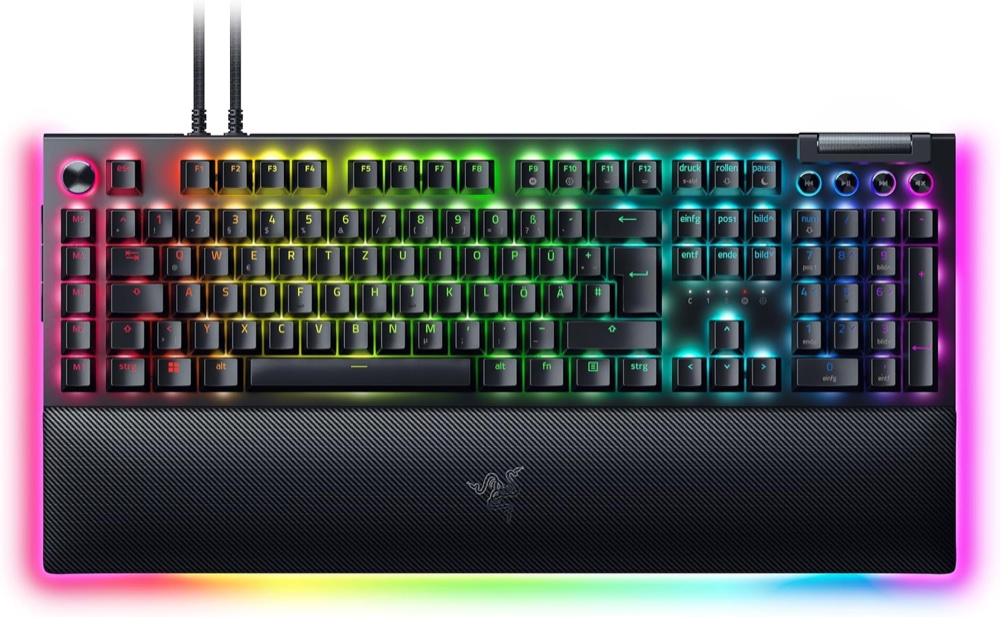
For a desk built around shortcuts
Razer BlackWidow V4 Pro · German QWERTZ
Black, Green Clicky switches, full-size Pro. Includes magnetic wrist rest and two USB-A-to-USB-C cables.
Check it out: Razer BlackWidow V4 Pro on Amazon.de (opens a new tab)- Layout
- Full-size German QWERTZ with number pad
- Extra macro controls
- Five macro keys plus three side buttons
- Connection
- Wired USB; detachable cables
Affiliate links may earn us a commission. Check the exact variant and current price. Specifications are manufacturer claims, not our own test results.
Give shortcuts a real job
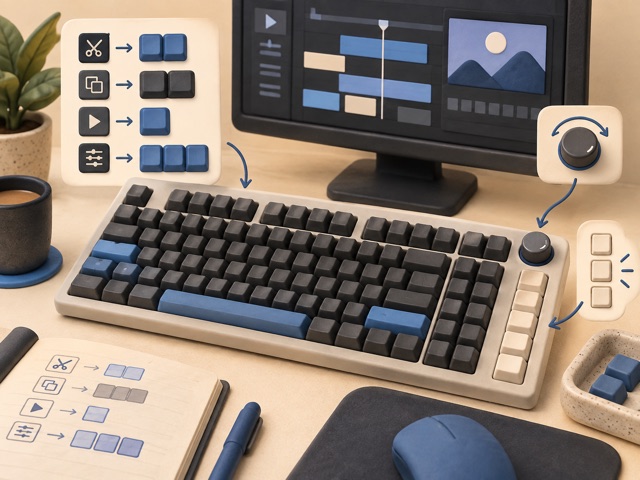
Five keys down the left edge and three side buttons let repeated commands live away from the main typing area. Start with actions you already repeat, such as switching tools or triggering a sequence, rather than filling every control immediately. The Command Dial adds another way to adjust supported functions. These controls are useful when they simplify a routine you can remember.
Choose the switch deliberately
The linked German QWERTZ version uses Razer Green Clicky switches. That means tactile feedback and an audible click, which may suit a private gaming room but disturb nearby people or enter a microphone. Do not confuse it with the quieter linear option or the smaller 75% model. Keyboard feel and acoustics have not been tested here; the switch choice remains a preference.
Measure more than the keys
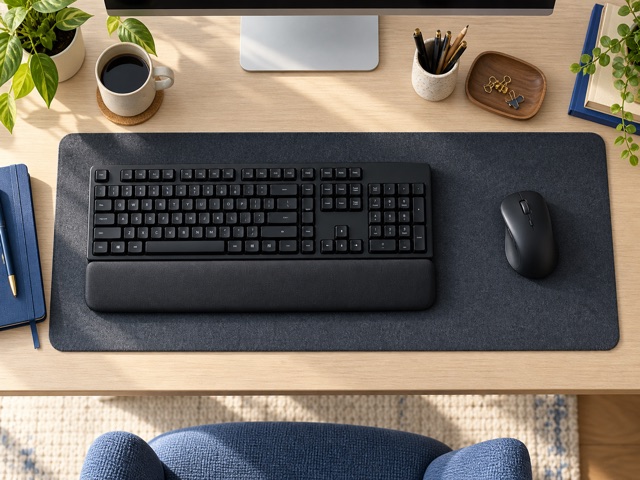
The body is about 466mm wide, and the included wrist rest extends the documented depth to roughly 238mm. Leave space for mouse movement and for reaching the side controls without knocking nearby objects. Its full number pad helps frequent numeric entry, but it also pushes the mouse farther from the main letter keys. A compact desk may benefit from fewer controls instead.
Plan the USB connections
One supplied cable runs the keyboard; a second enables its USB 2.0 passthrough port. That extra socket is not a modern high-speed storage hub. Configure advanced functions with supported Razer software on Windows, and check which settings remain available from onboard memory. The current support page lists Synapse 4, while the older master guide uses Synapse 3 terminology.
Use polling as a setting
The advertised 8,000Hz maximum is a selectable polling capability, not proof that every game or workflow feels better. Host behaviour and your actual application still matter. Choose this keyboard for its controls, layout and intended sound, then configure it sensibly. The official documents disagree on weight, so the table preserves that uncertainty instead of presenting one unexplained number as a measurement.
Technical details
Specifications and compatibility.
| Specification | Details |
|---|---|
| Linked version | BlackWidow V4 Pro, black, German QWERTZ, Green Clicky; B0BSXRK5HM |
| Layout | Full-size German QWERTZ with number pad |
| Extra macro controls | Five macro keys plus three side buttons |
| Connection | Wired USB; detachable cables |
| Model family | RZ03-0468; not the 75%, V4 X or wireless model |
| Switches | Razer Green mechanical, tactile and clicky; selected listing specifies 50g actuation / 1.9mm actuation point |
| Keycaps / top case | Doubleshot ABS; 5052 aluminium alloy |
| Dial and media | Command Dial; separate roller and four media buttons |
| Polling | Up to 8,000Hz; configured mode and host matter |
| Profiles | Up to five onboard profiles; some settings require software |
| Lighting | Per-key Chroma RGB; two-side body and three-side wrist-rest underglow |
| Wrist rest | Magnetic plush leatherette; included |
| USB passthrough | USB 2.0 Type-A; requires second USB connection |
| Host connections | One USB-A connection for keyboard; second for optional passthrough |
| Software | Current support lists Synapse 4; older supplied master guide documents Synapse 3 |
| System requirements | Windows 10 64-bit or later for documented setup; verify current Synapse requirements |
| Body size | Manual: 466 × 152.5 × 44mm without wrist rest |
| With wrist rest | Manual: 466 × 237.5 × 44mm |
| Weight discrepancy | Manual: 1,128.5g bare / 1,530g with rest; current support table lists 1,639g without clarifying configuration |
| Other construction | Lubricated stabilisers, case/PCB foam and two-stage feet |
| Key handling | N-key rollover; on-the-fly macro recording |
| Passthrough limitation | Manual excludes devices needing USB 3.0 or higher voltage; do not treat it as a high-speed storage hub |
| Package | Keyboard, magnetic wrist rest, two USB-A-to-USB-C cables and product guide |
The final check
A good fit if…
You have a fixed Windows desk, prefer clicky German-layout keys and will use dedicated macros and a dial.
Keep in mind
Large footprint, audible switches and two USB connections for passthrough. Official weight figures conflict; advanced configuration depends on supported software.