
Portable SSDs · Product spotlight
Crucial X9 2TB: a simple place for everyday files
A compact USB SSD for photos, documents and extra working space. This is the standard X9, not X9 Pro.
Researched
Researched buying guide
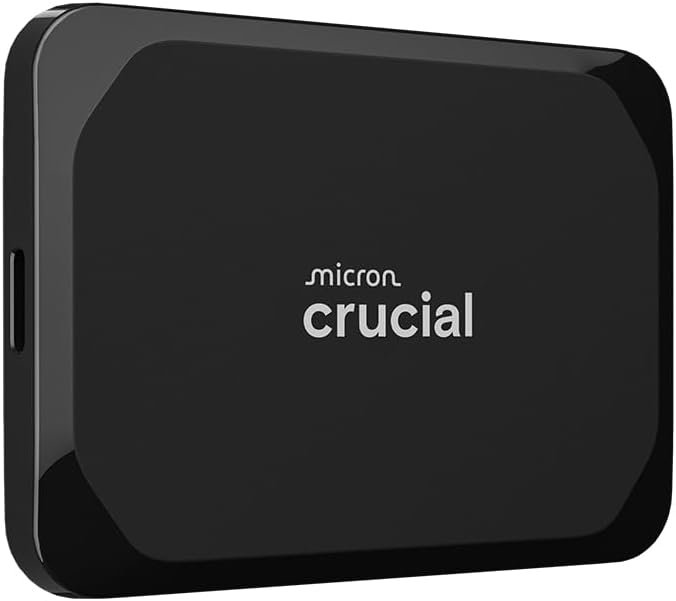
For everyday files and photo libraries
Crucial X9 · 2TB black
One CT2000X9SSD902 retail drive with USB-C-to-C cable; check adapters separately.
Check it out: Crucial X9 2 TB on Amazon.de (opens a new tab)- Capacity
- 2TB, decimal; formatted space lower
- Interface
- USB 3.2 Gen 2, 10Gbps; USB-C
- Sequential read
- Up to 1,050MB/s
Affiliate links may earn us a commission. Check the exact variant and current price. Specifications are manufacturer claims, not our own test results.
Give everyday files their own space
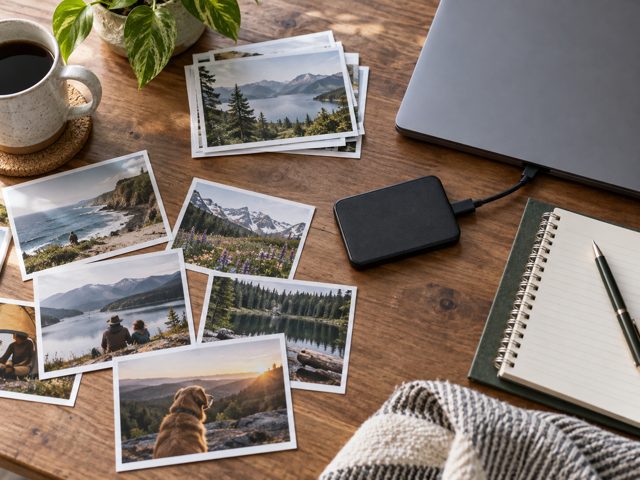
X9 is a practical option for moving a photo collection, keeping project folders together or freeing space on a laptop. Its small body and single cable suit a tidy desk. Decide whether it will hold working files or a second copy, because moving your only copy onto an external drive does not create a backup.
Separate X9 from X9 Pro
The linked black 2TB drive is the standard X9. Similar names do not make the protection, security or sustained-write specifications interchangeable. Crucial advertises up to 1,050MB/s reads here; the checked flyer does not establish a matching write figure. Avoid treating a retailer’s broad SSD description as a specification for this particular model.
Check the devices it will visit
USB-C describes the connector, while the computer or tablet controls available bandwidth and filesystem support. The supplied cable connects USB-C devices; an older USB-A computer may need a suitable adapter. Console compatibility can mean external storage rather than direct play for every game generation. Check the intended device’s storage instructions before transferring a large library.
Make a second copy deliberate
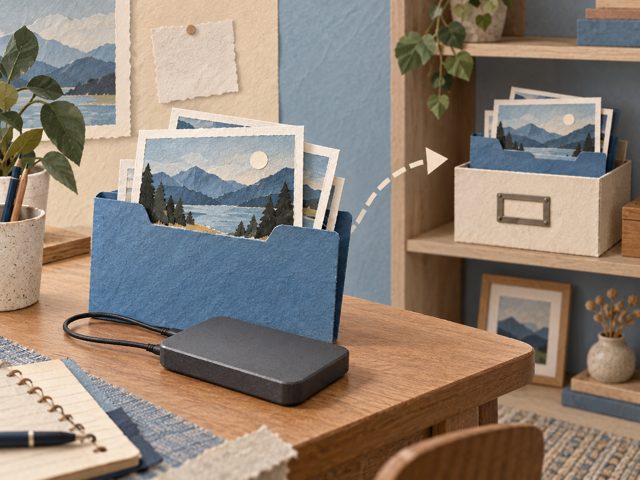
For family photos, keep another copy on separate storage or an appropriate backup service. Name folders consistently and occasionally restore a sample file to check the process. Automatic backup requires software and configuration; simply connecting this drive does not establish a schedule or prove that every important folder has been included.
Choose simplicity over assumed extras
X9 suits a straightforward file-storage routine when its compact shape and connection meet your needs. Its manufacturer drop claim is conditional, and no IP rating was established for this version. Keep it dry, disconnect it properly and check the current warranty terms. Buyers requiring documented hardware encryption or environmental sealing should choose a model that explicitly provides them.
Technical details
Specifications and compatibility.
| Specification | Details |
|---|---|
| Linked model | CT2000X9SSD902 retail suffix; base CT2000X9SSD9; B0CGW18S6Y |
| Capacity | 2TB, decimal; formatted space lower |
| Interface | USB 3.2 Gen 2, 10Gbps; USB-C |
| Sequential read | Up to 1,050MB/s |
| Sequential write | No numerical maximum established in the checked X9 manufacturer flyer |
| Form | Portable, USB-powered SSD; black |
| Footprint | 65 × 50mm in the manufacturer flyer |
| Height / weight | Not established from the checked primary specification |
| Drop claim | Up to 2m under manufacturer test conditions; not a damage guarantee |
| Ingress protection | No IP rating established for this standard X9 |
| Encryption | No hardware-encryption feature established in checked X9 documentation |
| Filesystem | exFAT; reformatting may be needed for particular uses and erases data |
| Device compatibility | Windows, Mac, Android, iPad and supported consoles; host/filesystem rules apply |
| Included connection | USB-C-to-C cable; USB-A adapter not confirmed included |
| Power | From compatible USB host; no separate mains adapter |
| Limited warranty | 3 years; terms apply |
The final check
A good fit if…
You want a compact USB drive for ordinary files and have a separate backup plan.
Keep in mind
Write performance, hardware encryption and an IP rating are not established here; do not borrow X9 Pro specifications.