
A little know-how.
How to choose wireless headphones
A practical guide to fit, noise control, microphones, battery life and device support.
Your practical checklist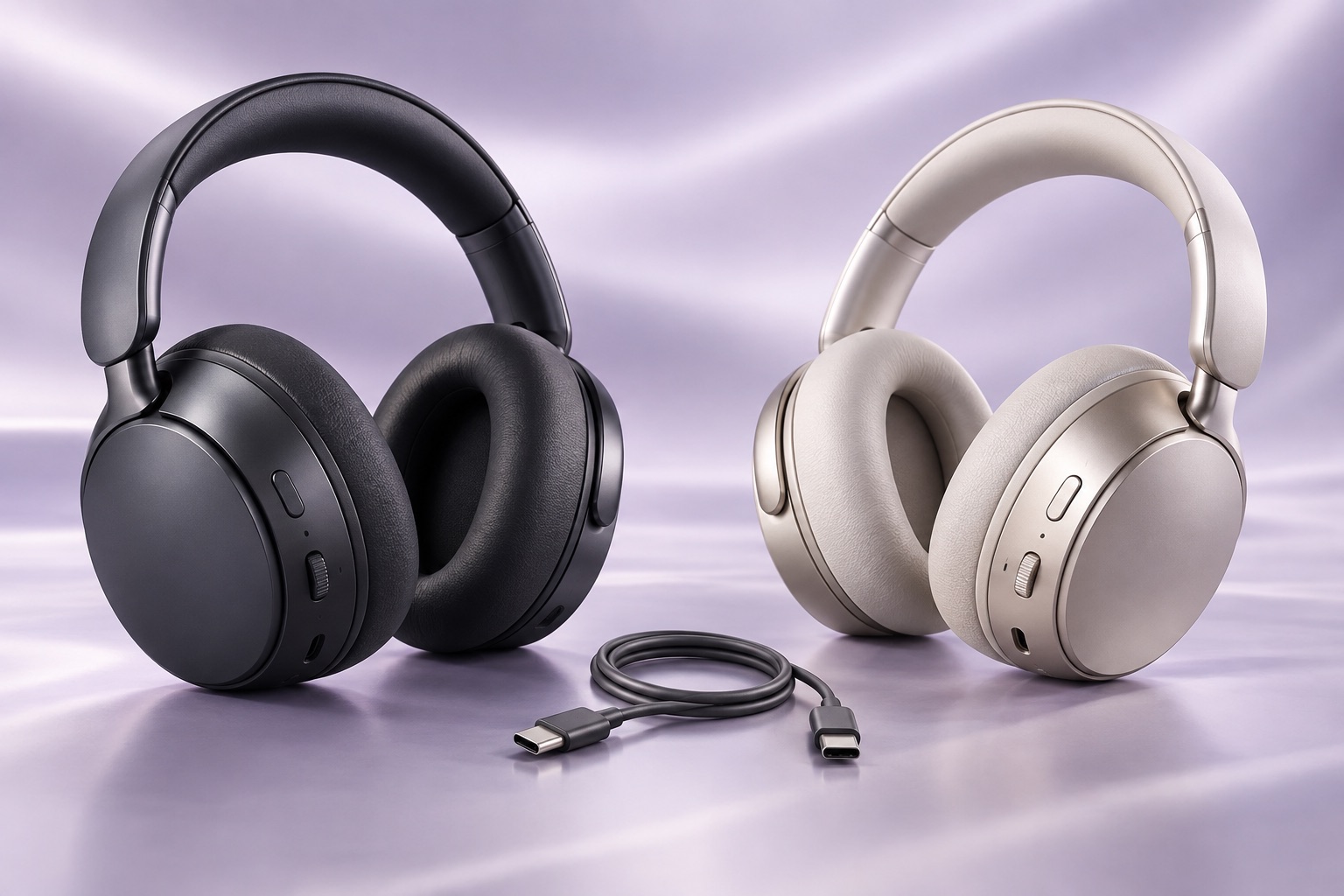
Start here
Choose two situations you need headphones to handle, then audition them with your own devices. A pair passes only if it stays comfortable, lets you hear at a sensible volume and carries calls reliably. A codec badge or noise-cancelling claim cannot establish those things.
Write a listening brief
Name the place, duration and source device for each use. “A 40-minute train journey with my phone, then two laptop meetings” sets a different brief from “music at home and occasional gaming.” Add one deal-breaker, such as painful pressure around glasses or having to reconnect for every call.
Try the headphones you already own against that brief. Changing ear tips, replacing worn pads or choosing the correct microphone in a call app may fix the problem. Use the same tracks, volume and call script for any replacements so you can identify an improvement.
An audition that reveals more than a favourite song
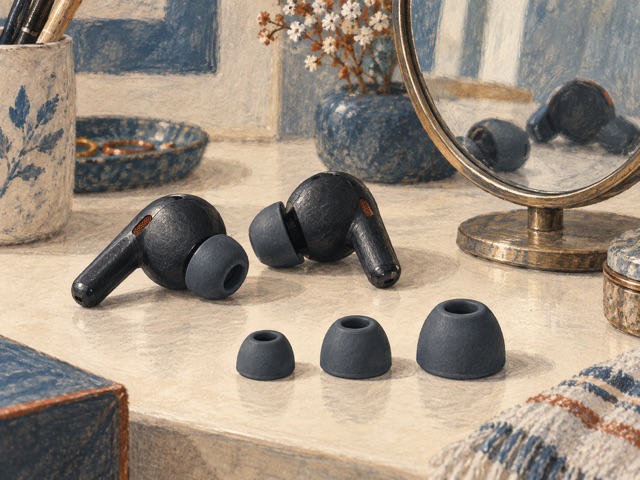
- Wear your usual glasses and adjust the headband or ear tips. Spend about 30 minutes listening and moving normally; this is a practical trial, not a guarantee of all-day comfort. Stop if they hurt. Check pressure, heat, slipping and whether you can use the controls without looking.
- Choose a familiar spoken passage and a track with vocals and bass. Start quietly and match perceived loudness when comparing pairs. Louder often sounds more impressive; it does not establish better detail. Check that speech stays clear without turning the bass or volume up to compensate for a poor seal.
- In a safe indoor setting, compare noise cancellation off and on with a steady fan or room noise. Then try ordinary nearby conversation. Active noise cancellation (ANC) reduces sound reaching your ears; its effect varies with the noise and the fit. Voices may remain audible. Do not use a loud test tone or assume ANC is hearing protection.
- Try transparency or ambient mode, if present, and physical mute, volume and playback controls. A pass means you can perform your normal actions reliably and tolerate the sound of each mode. If the seal fails when you move your jaw, refit the tips or headband and repeat before rejecting the sound.
A shop demonstration cannot reproduce a long commute. If you cannot borrow or audition a pair, check the seller’s actual trial and hygiene-return conditions before buying, particularly for in-ear models. Treat comfort and noisy-location performance as unverified until you can try them.
Test what the other person hears
Listening ANC and microphone noise handling solve different problems. You can hear silence while the other person hears your keyboard. Microphone placement, wind and the call app’s processing all affect the outgoing voice.
In your normal meeting app, explicitly select the headphones as both output and microphone. Record a test call if the app supports it, or ask a willing contact to listen. Read two sentences in a quiet room, then repeat with ordinary typing or a nearby fan. Ask whether every word is understandable and whether the first syllable disappears after a pause. Compare with the computer’s microphone using the same app.
If your voice sounds clipped or watery, reduce the background noise and try the app’s suppression setting one step lower. If Bluetooth music quality drops when the microphone opens, the system may have switched audio modes for the call. Modern LE Audio can behave differently, but it needs compatible headphones, hardware, operating system and drivers. Judge the actual meeting, not the advertised music codec.
Prove the connection you will use
| Feature | Useful check |
|---|---|
| Bluetooth codec | The device and headphones need a codec in common. SBC, AAC, aptX and LDAC describe how audio is encoded, not comfort or microphone quality. Find “supported codecs” in the source device’s audio specifications and the headphone manual. If a codec is absent from either, do not count on it; optional modes may need an app setting. |
| Multipoint | Two devices can stay connected, usually with one media stream playing at a time. Pairing history alone is not multipoint. Check that the exact model supports your phone/laptop combination. |
| 3.5 mm cable | Confirm the host has a compatible socket or adapter. Test sound with the headphones powered off, and separately test the microphone: the supplied cable may carry listening audio only. |
| USB audio | Look for explicit USB audio support, not simply a USB-C charging port. Connect a data-capable cable and check that the headphones appear as an audio output; test microphone input separately. |
- Pair your phone and laptop. If the headphone app has a two-device or multipoint switch, enable it. Start a podcast on the phone, pause it and play audio on the laptop.
- Start a laptop test meeting, then arrange an incoming phone call. Note whether the headset switches, whether you need to answer on the phone and what happens when the call ends. Automatic priority varies; the important result is predictable behaviour you can live with.
- Put the laptop to sleep, wake it and repeat. Walk the route you normally take within the room. A pass means no unexplained disconnections, no repeated re-pairing and intelligible sound on both devices. If it fails, disconnect the second device and retry to distinguish a multipoint problem from a basic connection problem.
For games or instruments, test a visible action against its sound. A phone may compensate for delay in video while a game cannot. If delay bothers you, test a supported wired connection or a dedicated wireless adapter; a newer Bluetooth version alone does not promise low latency.
Check the cost of keeping them
Read battery figures with their test conditions: ANC, spatial audio, volume and calls can change runtime. During a trial, note the charge at the beginning and end of your longest ordinary session. A spare charging cable or a short charging break may suit you better than paying for an extreme maximum figure.
Find the exact replacement pad or tip part number and price, the battery-service options and whether essential settings work without an account. Check that the case fits your bag and that firmware updates support your phone. Reject a pair that fails your deal-breaker even if it wins the specification comparison.
Put it into practice